
There’s a particular kind of phone notification that makes your stomach drop.
You know the one. A message says your parcel is waiting, your bank account needs attention, or you’ve somehow won an iPhone despite never entering a competition. You tap the link before your brain catches up and suddenly you’re staring at a website that looks almost, but not quite, right.
That tiny difference can be enough.
Smartphone threats have become harder to ignore as our phones have turned into wallets, cameras, work computers, entertainment centers and miniature versions of our entire lives. ENISA’s latest threat landscape has also highlighted an increase in attacks targeting mobile devices, particularly outdated ones, while phishing remains a major route for attackers to get people where they want them.
That raises an interesting question: why should a VPN only hide your IP and encrypt your connection?
Mysterium VPN cybersecurity experts have an article that goes more in depth into how a vpn malware blocker can add another layer of protection while you browse.
Your Antivirus Isn’t Watching Every Click
Let’s say you’ve installed a reputable security app on your phone.
Great.
But now imagine you receive a convincing text message with a link. The website itself hasn’t necessarily installed anything on your phone yet. You’re simply being taken somewhere dangerous.
This is where website-level protection can be useful.
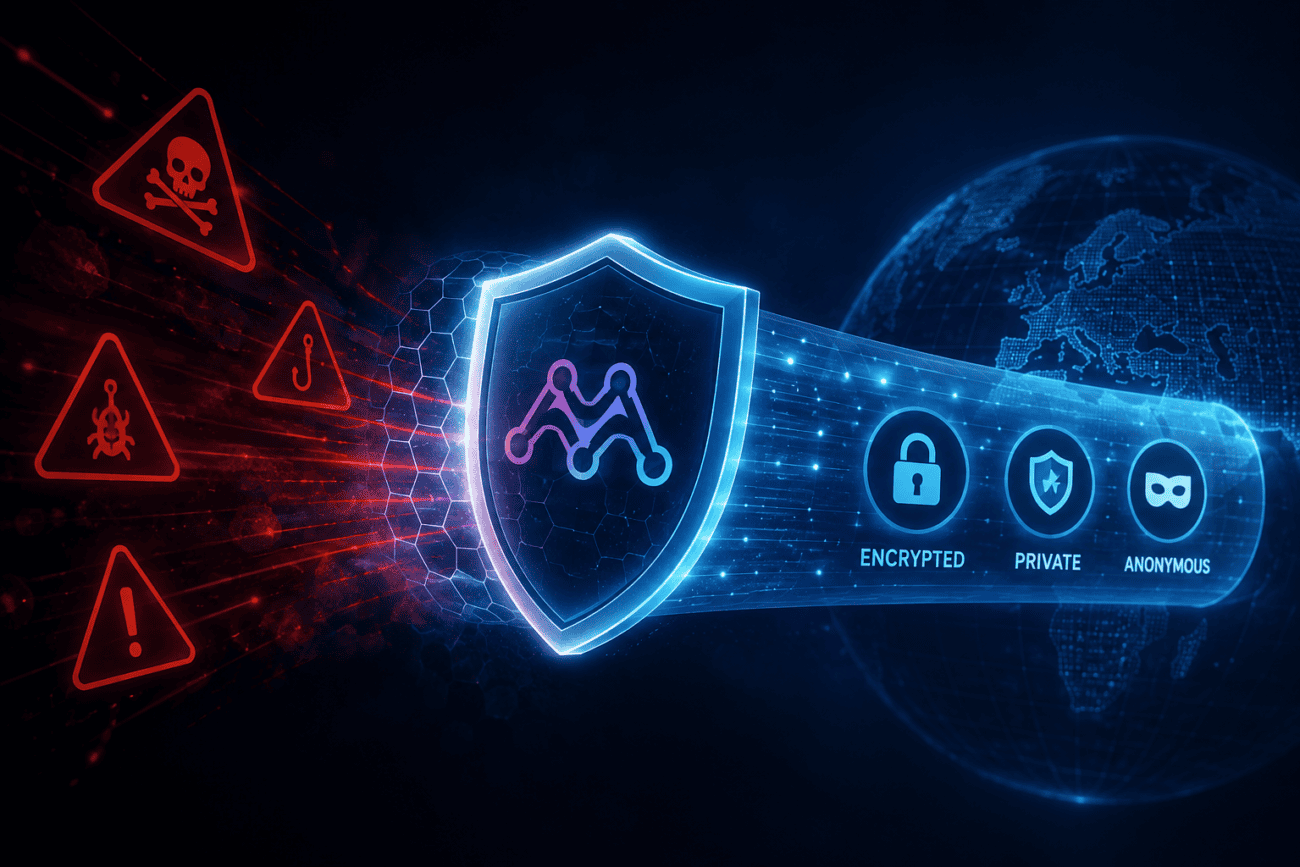
A malware blocker can prevent access to known suspicious or malicious domains before the page loads. Mysterium VPN describes its malware blocker as a feature that blocks suspicious and malicious domains while you browse.
That’s a different job from scanning a file after you’ve downloaded it.
Think of it like the difference between a security guard stopping someone at the front door and a cleaner discovering a suspicious package after it’s already been carried inside.
I’d rather have the guard.
So, How Does DNS Blocking Fit In?
This sounds more technical than it really is.
When you type a website address into your browser, your phone needs to figure out where that website lives on the internet. DNS is the system that helps translate a familiar name into the numerical address computers use.
A DNS-level blocker can check the requested domain against threat information and stop the connection when the destination is known to be malicious.
Mysterium VPN specifically says its malware blocker can block malicious domains at the DNS level before pages load.
That makes a dns malware blocker vpn particularly interesting for smartphones because it works as part of the connection rather than asking you to think about every individual website.
And honestly, that’s important.
The best security feature is often the one you don’t have to remember to use.
What If the Link Comes Through a Text Message?
This is probably one of the most realistic examples.
You get a message:
“Your delivery could not be completed. Confirm your address here.”
You weren’t expecting anything.
The sender looks strange.
The link looks stranger.
You don’t know whether it’s genuine.
The safest option is still not to click it.
But people make mistakes. We’re human. Sometimes you’re tired, distracted or halfway through carrying groceries while trying to read your phone with one hand.
A protective DNS layer can provide another opportunity to stop a known malicious domain if you do follow the link.
ENISA specifically advises smartphone users to be cautious with unsolicited messages and warns that shortened URLs and QR codes can lead to harmful websites or even directly download malware.
So yes, your own judgment remains important.
The blocker is the backup singer, not the lead vocalist.
Is This the Same as Antivirus?
No, and this distinction matters.
Antivirus software generally focuses on detecting malicious software or suspicious behavior on the device.
A domain blocker works earlier in the process.
It can prevent your phone from connecting to certain known bad destinations.
Neither approach is perfect on its own.
That’s why layered security makes sense.
You might have:
A screen lock.
Automatic operating system updates.
Two-factor authentication.
A reputable security app.
Safe browsing habits.
And a VPN that includes malicious-domain blocking.
None of those makes you invincible.
Together, though, they make life considerably harder for someone trying to trick you.
Why Does This Matter More on Smartphones?
Because smartphones encourage impulsive browsing.
On a laptop, you might see a strange email and think, “I’ll deal with that later.”
On a phone, the process is different.
Tap.
Swipe.
Open.
Done.
QR codes make it even easier. You point your camera at something and suddenly you’re on a website before you’ve even had time to wonder where the code leads.
And we’re increasingly using phones for sensitive tasks.
Banking.
Shopping.
Work.
Healthcare portals.
Travel bookings.
Password managers.
There’s a lot packed into that little rectangle in your hand.
A security feature that can quietly block dangerous destinations therefore has a pretty practical role.
What Makes Mysterium’s Approach Different?
Mysterium VPN isn’t built around the idea that privacy starts and ends with encryption.
Its feature set includes a kill switch, DNS leak protection, IP leak protection, WireGuard, ChaCha20 encryption, a no-logs policy and a malware blocker.
The service also uses decentralized infrastructure and offers residential IPs, with its current website listing more than 7,500 residential IPs across 100+ countries.
That broader approach fits with Mysterium’s stated focus on freedom from surveillance, resistance to censorship and support for a more decentralized internet.
In other words, the idea isn’t simply “encrypt everything.”
It’s about giving people more control over how they connect and what they encounter online.
Could a VPN With Malware Protection Replace Your Security App?
I wouldn’t look at it that way.
A vpn with malware protection is another layer, not a universal replacement for every other security tool.
That’s an important distinction because malware comes in many forms.
A malicious website is one problem.
A dangerous app downloaded from an unofficial source is another.
A fake login page is another.
An exploited operating-system vulnerability is something else entirely.
No single feature catches everything.
Mysterium itself recommends keeping normal security habits in place, and its Android guidance lets users enable or disable the Malware or NSFW content blocker through the app settings.
That flexibility can also be useful if a legitimate website gets blocked by mistake.
What If a Safe Website Gets Blocked?
It happens.
Security systems aren’t psychic.
Mysterium’s support documentation explains that if a website isn’t loading, users can test the connection, check for DNS leaks, try another IP or residential node, and temporarily disable the Malware & NSFW Blocker if necessary.
That’s actually a good reminder that blocking systems work from lists and signals.
A domain can be incorrectly categorized.
So if your favorite recipe website suddenly refuses to load and you know you’re not secretly browsing a criminal empire’s headquarters, don’t panic.
Check the blocker first.
Does DNS Protection Affect Your Internet Speed?
Usually, DNS lookups themselves aren’t where you’ll notice a dramatic slowdown.
The larger performance question is how the VPN connection is routed and which server or node you’re using.
Mysterium VPN offers WireGuard alongside other connection options, and its feature page describes the protocol as designed for secure and efficient connections.
For smartphone users, that combination can be useful.
You get the VPN tunnel.
You get protection against DNS leaks.
And you get another layer that can block known malicious domains.
All without installing a completely separate system for every little security job.
So, Should Your VPN Block Malicious Sites?
I’d say it’s a feature worth having.
Not because it means you can forget every other security habit.
And definitely not because a VPN suddenly makes every website safe.
It’s useful because threats often begin with a simple connection attempt.
A text message.
A QR code.
A search result.
A typo.
A dodgy advertisement.
If your VPN can recognize a known malicious destination and stop the connection before the page loads, that’s one less problem reaching your phone.
And that’s really what good smartphone security should feel like.
Not dramatic.
Not complicated.
Just a few quiet layers working in the background while you get on with your day.
So the next time you’re choosing a VPN, don’t only ask how many countries it supports or whether the speed test looks impressive.
Ask a slightly more useful question:
“What happens when I accidentally click something I shouldn’t?”
If the answer includes DNS protection, a kill switch, leak protection and a vpn block malicious sites feature, you’re looking at a VPN that’s thinking beyond the tunnel.
And considering how much of our lives now live inside a smartphone, that’s probably where VPN security needs to go next.
