
Online gaming exposes weak internet faster than almost anything else. A movie can buffer for a second and most people barely notice. A competitive match with 120-millisecond lag, packet loss, or unstable Wi-Fi feels broken instantly. That’s why searches for “gaming corner zap-internet” have grown across gaming forums, ISP discussions, and setup guides. People aren’t just looking for a fast connection anymore. They want a gaming space that actually performs under pressure.
The phrase itself sits somewhere between branding and practical advice. ZAP Internet has used “Gaming Corner” language on its website while also publishing gaming-related content tied to internet performance, streaming, and digital entertainment. But readers searching the phrase usually care about something simpler: how to create a stable gaming setup with lower latency, fewer interruptions, and internet that doesn’t collapse during peak hours. That’s exactly what this article covers.
What Gaming Corner Zap-Internet Actually Refers To
Gaming corner zap-internet isn’t a universally recognized technical term. Based on available public information, it appears connected to ZAP Internet’s gaming-focused content and internet marketing rather than a standardized gaming platform or globally available service tier. That distinction matters because many gamers assume the phrase refers to a specialized “gaming ISP package” with proven low-latency routing and exclusive infrastructure. Public evidence doesn’t fully support that assumption.
Still, the idea behind the phrase is legitimate. Modern gaming depends heavily on network quality, and internet providers increasingly market plans toward players, streamers, and cloud gaming users. ZAP Internet’s gaming-oriented material leans into that demand by highlighting low latency, faster speeds, and smoother multiplayer performance. But here’s the thing. Internet quality involves far more than advertised download numbers.
Cloudflare’s internet performance research shows that gaming quality depends on several measurements working together. Latency, packet loss, jitter, upload consistency, and loaded network performance often matter more than raw speed. A household can have a 1 Gbps connection and still suffer terrible gameplay if the router placement, Wi-Fi interference, or network congestion creates instability.
That’s why readers searching “gaming corner zap-internet” are often trying to solve a deeper problem. They want a practical gaming environment where the internet connection stays responsive during ranked matches, cloud gaming sessions, Discord calls, livestreams, and background downloads happening at the same time.
Why Traditional Speed Tests Mislead Gamers

Most people test their internet the wrong way. They stand next to the router with a smartphone, run a speed test once, see a high download number, and assume the network is healthy. Then the game starts lagging at 9 p.m. and nothing makes sense anymore.
Here’s what most people get wrong. Download speed alone rarely explains gaming quality. Multiplayer games exchange relatively small amounts of data compared with 4K streaming or massive file downloads. What matters more is how quickly and consistently information moves between your device and the game server.
Latency measures delay. Jitter measures how inconsistent that delay becomes. Packet loss measures missing data. Those three metrics tell gamers far more than a flashy “up to 1 Gbps” advertisement. According to Cloudflare’s performance documentation, loaded latency and packet loss strongly affect real-time activities such as gaming and video communication because those applications rely on continuous two-way interaction.
A small example explains the problem perfectly. Imagine two households. One has a 100 Mbps fiber connection with stable 25 ms latency and almost no jitter. The second has a 1 Gbps cable plan but experiences congestion every evening, causing latency spikes above 120 ms. The first household usually gets the better gaming experience despite slower download speeds.
And gamers notice instability immediately. A delayed web page feels annoying. Delayed hit registration during a competitive shooter feels unfair.
How a Proper Gaming Corner Improves Performance
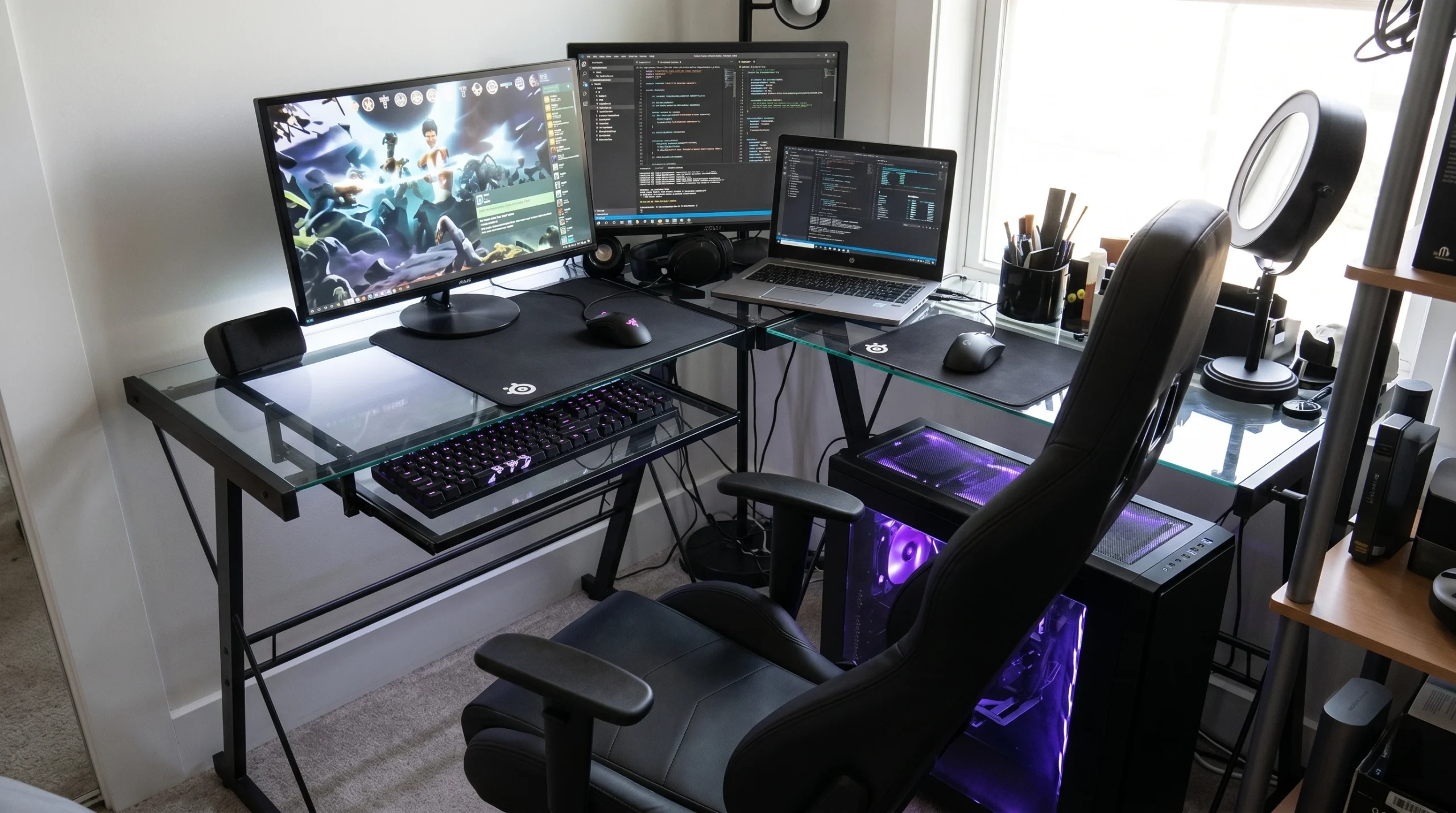
A gaming corner isn’t just about RGB lights, a mechanical keyboard, or a bigger monitor. The internet setup matters more than most accessories people spend money on. Placement, cabling, router quality, and network traffic shape the actual experience long before cosmetic upgrades do.
Ethernet remains the strongest upgrade available for most players. Wi-Fi technology has improved dramatically since Wi-Fi 6 became mainstream, but wireless interference still creates unpredictable latency spikes. Walls, microwaves, Bluetooth devices, smart TVs, neighboring routers, and even apartment density can weaken stability.
NVIDIA’s GeForce NOW requirements highlight this clearly. The company recommends Ethernet or strong 5 GHz Wi-Fi connections for cloud gaming because stable latency matters more than peak bandwidth alone. Their published guidance also recommends keeping latency below 80 milliseconds from NVIDIA data centers for a smoother experience.
That advice applies beyond cloud gaming. A console player running Call of Duty, EA Sports FC, Fortnite, or Valorant benefits from the same principle. The cleaner and more direct the connection path becomes, the more responsive the gameplay feels.
Router placement changes everything too. Many households hide routers behind televisions, inside cabinets, or in distant rooms because the equipment looks ugly. Unfortunately, that placement weakens signal quality and increases interference. A gaming corner positioned close to the router or connected through Ethernet usually performs dramatically better without changing the internet plan at all.
Why Fiber Internet Usually Performs Better for Gaming
Not everyone agrees about the “best” internet type for gaming, but fiber generally has advantages that are hard to ignore. Fiber connections often provide lower latency, better upload speeds, and more consistent performance during peak usage compared with older cable or DSL systems.
Upload speed matters more than gamers think. Multiplayer games constantly send information back to servers while handling voice chat, matchmaking, cloud saves, and streaming traffic. A weak upload connection can create strange problems even when download speed looks excellent.
Fiber also tends to handle busy households more gracefully. That matters because modern homes rarely have a single device online anymore. Someone may be livestreaming on Twitch while another person downloads a massive game update, and two phones sync photos in the background. Weak networks collapse under that load.
Still, there’s a catch, though. Fiber alone doesn’t guarantee great gaming performance. Routing quality, ISP congestion, peering agreements, local infrastructure, and game server distance all matter. A poorly managed fiber provider can still perform worse than a well-maintained cable connection in certain regions.
That’s why smart gamers focus on real-world testing instead of marketing terms. Local customer feedback often reveals more truth than advertisements ever will.
Router Settings That Actually Help
Gaming routers have become a huge business. ASUS, Netgear, TP-Link, and other manufacturers sell devices packed with gamer branding, low-latency promises, and aggressive designs. Some features genuinely help. Others mostly exist to justify premium pricing.
Quality of Service, often called QoS, is one feature worth understanding. QoS allows a router to prioritize certain traffic during congestion. If configured properly, it can prevent background downloads from ruining gaming performance. That becomes useful in homes where several people share the same connection.
But here’s where it gets interesting. Bad QoS settings can hurt performance too. Some users aggressively limit bandwidth or prioritize devices incorrectly, creating unnecessary bottlenecks. Networking professionals often recommend making small adjustments and testing carefully rather than changing every setting at once.
Firmware updates matter too. Router manufacturers regularly release updates that improve security, fix performance bugs, and address compatibility problems. Many gamers never update their routers for years, then wonder why newer devices behave unpredictably.
And then there’s NAT type. Xbox Support explains that NAT configuration affects multiplayer matchmaking and party chat functionality. Strict NAT settings can prevent players from connecting smoothly with others. Open NAT generally creates the best multiplayer compatibility, though achieving that setup sometimes requires changes to UPnP settings, bridge mode, or port forwarding.
Cloud Gaming Changed Internet Demands Completely
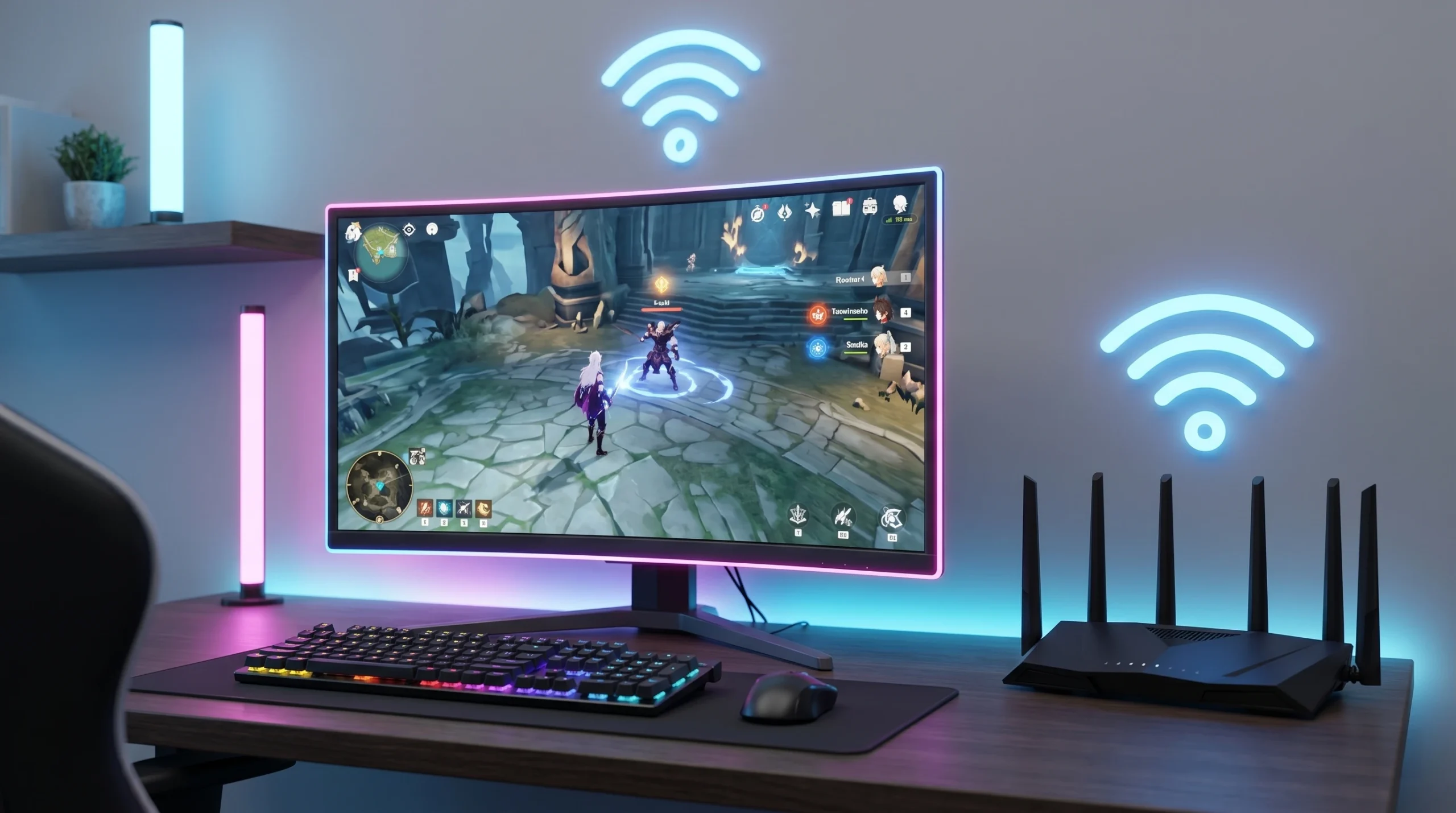
Cloud gaming has pushed internet quality into the spotlight like never before. Traditional gaming downloaded the game locally, then exchanged relatively small amounts of multiplayer data during play. Cloud gaming changes the model entirely because the game itself runs remotely while your device streams video in real time.
That creates a different kind of pressure on home networks. Services like NVIDIA GeForce NOW, Xbox Cloud Gaming, and PlayStation Remote Play depend on low latency, stable bandwidth, and minimal packet loss simultaneously. If any part fails, the experience suffers instantly.
NVIDIA currently lists bandwidth requirements ranging from roughly 15 Mbps for basic HD streaming to 65 Mbps for advanced high-resolution experiences. But the numbers tell a different story. Stability matters more than hitting huge speed benchmarks. A steady 50 Mbps connection often outperforms a wildly inconsistent 500 Mbps plan during cloud sessions.
A real-world example helps here. A player using cloud gaming in a crowded apartment complex may experience evening lag despite excellent daytime tests because neighboring Wi-Fi networks saturate local channels after work hours. Moving to Ethernet or changing Wi-Fi channels can solve the issue without touching the internet subscription itself.
That’s why gaming corner zap-internet has become associated with setup quality as much as internet speed. Gamers increasingly understand that their room layout, router placement, and network management affect performance every day.
The Biggest Mistakes Gamers Make
Many players buy faster internet before diagnosing the actual problem. Frankly, that’s often wasted money. If weak Wi-Fi causes the issue, upgrading from 300 Mbps to 1 Gbps may change almost nothing.
Another common mistake involves ignoring loaded network conditions. Testing the connection at noon tells you very little if lag appears only during crowded evening hours. Internet congestion usually reveals itself under real household activity, not during quiet moments.
Gamers also underestimate hardware age. Older routers may struggle with modern traffic demands even if they technically “work.” Devices released before Wi-Fi 6 often handle multiple active connections less efficiently, especially in apartments or dense neighborhoods with heavy interference.
Then there’s the obsession with cosmetic gaming setups. Social media encourages expensive desks, lighting systems, decorative panels, and oversized accessories while ignoring networking basics. A clean Ethernet connection matters more than LED strips ever will.
And some players overcomplicate fixes. Randomly opening ports, disabling firewall protections, or copying questionable settings from forums can create security risks without improving performance. Reliable troubleshooting starts with testing one change at a time.
What to Check Before Buying Gaming Internet
Internet providers increasingly market directly to gamers, but buyers should stay skeptical until they see evidence. A “gaming” label doesn’t automatically mean better routing, lower latency, or stronger infrastructure.
Ask direct questions instead. What upload speeds come with the plan? Are there data caps? Does evening congestion affect performance? What hardware gets included? Are there equipment rental fees or installation costs hidden inside promotional pricing?
Service area quality matters too. One ISP may perform brilliantly in one city and poorly a few miles away depending on local infrastructure. That’s why neighborhood-level feedback often matters more than national advertising campaigns.
Some providers genuinely invest in better network performance. Others mostly attach gaming terminology to ordinary broadband plans. The safest approach involves comparing real customer experiences, latency reports, and local reliability before signing long contracts.
So what does this actually mean? Don’t buy a gaming internet plan based only on speed advertisements. Buy based on consistency, support quality, upload performance, and verified local reliability.
Frequently Asked Questions
Is gaming corner zap-internet a real gaming service?
It appears connected to ZAP Internet’s gaming-related branding and content rather than a universally recognized gaming platform. Public information confirms gaming-focused messaging, but independently verified technical details remain limited.
Does faster internet always improve gaming?
No, faster internet alone won’t guarantee better gameplay. Latency, jitter, packet loss, router quality, and local Wi-Fi conditions often matter more than raw download speed.
Is Ethernet still better than Wi-Fi for gaming?
Yes, Ethernet remains the most stable option for competitive gaming and cloud streaming. Wi-Fi can work very well, especially with Wi-Fi 6 or Wi-Fi 7 hardware, but wired connections usually deliver steadier latency.
Why does my game lag at night only?
Evening lag often points to congestion. Household traffic increases during peak hours, and overloaded local infrastructure or crowded Wi-Fi channels can create sudden latency spikes.
Can gaming routers actually reduce lag?
Sometimes they can. Features like QoS may help manage congestion inside busy homes, but they won’t fix poor ISP routing or distant game servers.
What internet speed is enough for gaming in 2026?
Most multiplayer games work well on stable connections between 50 Mbps and 100 Mbps. Cloud gaming and large households may benefit from faster plans, though consistency still matters more than headline speed.
Conclusion
Gaming corner zap-internet reflects a bigger shift happening across modern gaming culture. Players care less about flashy marketing and more about stable, responsive performance that survives real-world pressure. Lag, packet loss, and unstable Wi-Fi ruin experiences far faster than slower download speeds ever will.
Here’s what I think after looking at the available evidence. Most gamers should spend more time improving their setup before rushing into expensive internet upgrades. Router placement, Ethernet connections, firmware updates, and network testing solve more problems than people expect.
Gaming has changed dramatically since 2023. Cloud streaming, cross-platform multiplayer, remote play, and always-online systems now demand stronger home networks than older generations ever required. That trend isn’t slowing down anytime soon.
The players who understand their internet setup will have a real advantage over those who only chase bigger speed numbers. And honestly, that difference becomes more obvious with every new generation of online gaming.
