
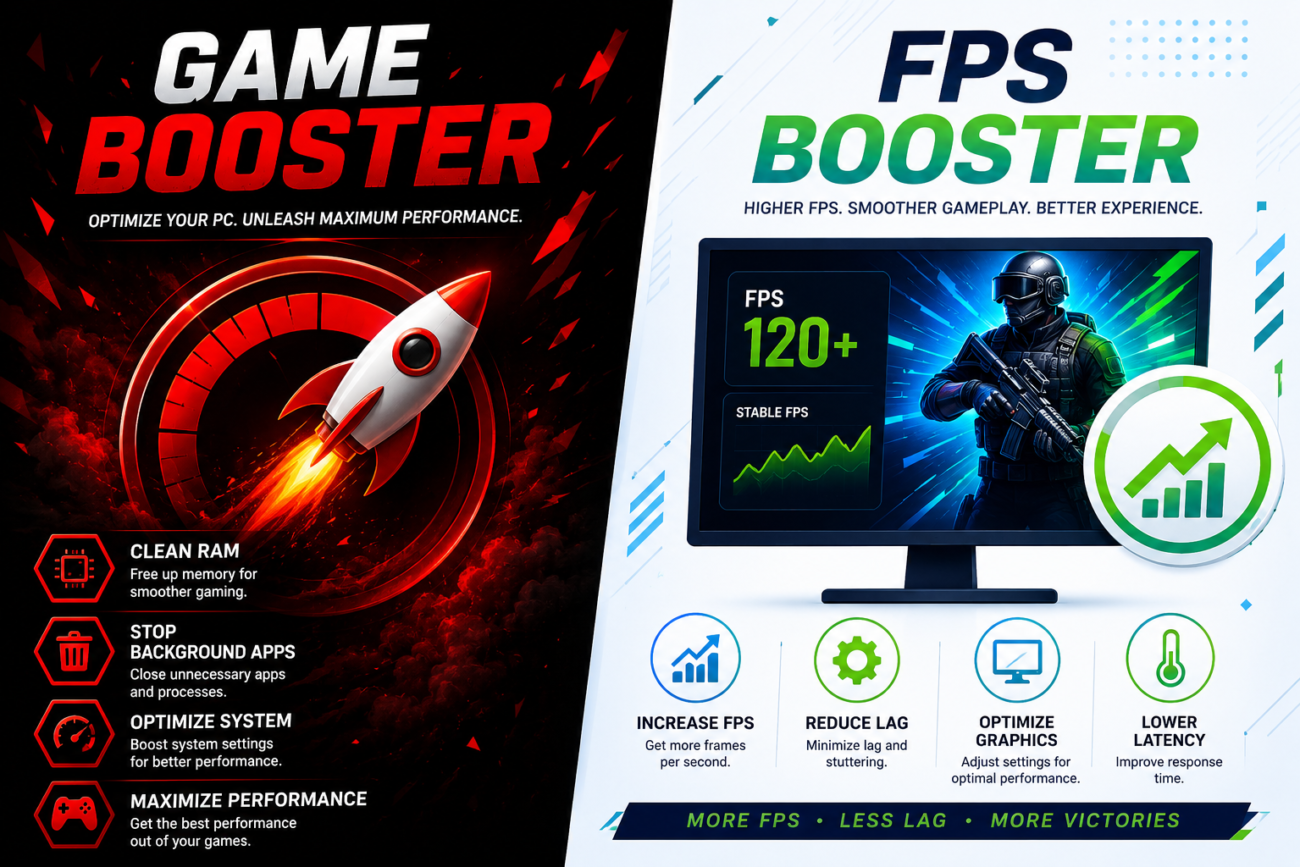
PC gaming delivers impressive visuals and immersive gameplay, but performance problems can quickly affect the overall experience. Issues such as lag, frame drops, slow loading times, and background applications consuming system resources are common challenges for many gamers. Instead of replacing hardware right away, players often turn to software optimization tools like a Game Booster and an FPS Booster. These utilities are designed to help your computer perform more efficiently so you can enjoy smoother gameplay.
Although they are often mentioned together, a game booster and an FPS booster serve different purposes. Knowing how each one works will help you choose the right tool for your gaming needs.
What Is a Game Booster?
A Game Booster is an optimization program that prepares your computer for gaming by reducing unnecessary system activity. It temporarily limits processes that aren’t essential, allowing more processing power and memory to be dedicated to your game.
Rather than permanently changing your computer’s settings, the software applies temporary optimizations during gameplay and restores the original configuration afterward. This makes it a safe and convenient option for users who want better performance without manual system adjustments.
What Is an FPS Booster?
An FPS Booster is designed to improve frame rate consistency during gameplay. FPS, or Frames Per Second, measures how many frames your graphics card renders every second. A stable frame rate creates smoother animations and improves the responsiveness of games, particularly in fast-paced action titles.
Instead of increasing hardware capability, an FPS booster helps your system make better use of the available resources through performance optimization.
Why Gaming Performance Matters
A responsive gaming experience depends on more than powerful hardware. Software running in the background, outdated drivers, and inefficient system settings can all affect performance.
Optimizing your PC helps reduce interruptions during gameplay and allows your hardware to operate more efficiently. While optimization software cannot replace a hardware upgrade, it can improve overall system responsiveness in many situations.
Advantages of Using a Game Booster
A game booster offers several practical benefits for PC gamers.
Frees Up System Resources
By minimizing unnecessary background activity, the software allows your game to access more available CPU power and memory.
Simplifies Optimization
Most game boosters include one-click optimization, making them suitable even for users with little technical experience.
Improves System Responsiveness
Reducing background processes can help your computer respond more efficiently while gaming.
Supports Longer Gaming Sessions
A cleaner system environment may contribute to more stable performance during extended gameplay.
Benefits of an FPS Booster
An FPS booster focuses specifically on delivering smoother gameplay.
Some of its potential advantages include:
- More stable frame rates.
- Reduced visual stuttering.
- Better gameplay responsiveness.
- Optimized graphics performance.
- Improved gaming consistency.
The level of improvement depends on your PC specifications and the game’s requirements.
Using Both Together
Many gamers combine a Game Booster with an FPS Booster because they target different aspects of system performance.
A game booster prepares the operating system by reducing unnecessary activity, while an FPS booster focuses on improving how smoothly games run. Together, they can help create a more balanced and optimized gaming environment.
Additional Ways to Improve Gaming Performance
Besides using optimization software, you can also improve your gaming experience by following a few maintenance tips.
- Update your graphics drivers regularly.
- Install the latest game updates.
- Keep enough free storage space available.
- Close unnecessary applications before launching games.
- Monitor system temperatures.
- Adjust graphics settings according to your hardware.
- Restart your PC occasionally to refresh system resources.
These simple habits help maintain consistent performance over time.
Who Should Consider These Tools?
Optimization software can benefit a wide range of users, including:
- Casual gamers.
- Competitive online players.
- Laptop gamers.
- Users with entry-level or older PCs.
- Anyone experiencing occasional frame drops or lag.
Even systems with newer hardware can benefit from eliminating unnecessary background processes.
Conclusion
Improving gaming performance doesn’t always require purchasing expensive components. Software optimization can often help you get more from the hardware you already own. A Game Booster reduces unnecessary background activity, while an FPS Booster helps maintain smoother frame rates for a more enjoyable gaming experience.
When combined with routine system maintenance and sensible graphics settings, these tools can help create a faster, more responsive gaming environment. Whether you’re exploring open-world adventures, competing in multiplayer battles, or enjoying casual games, optimizing your PC is a smart step toward better performance.
