
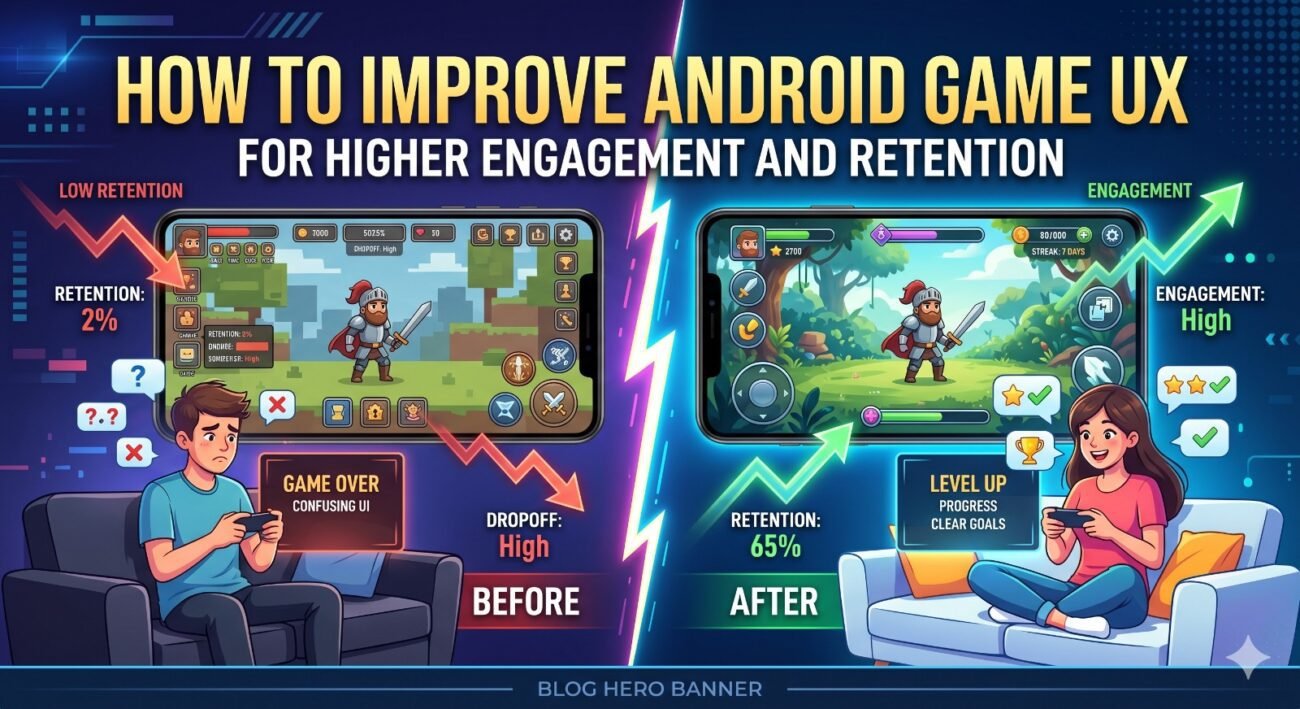
Why Android game UX now drives stronger retention across mobile players
To improve android game UX, teams need to look past visual polish and focus on friction, clarity, and response time across the full player journey. Current Android guidance continues to connect intuitive design, consistency, performance, and stability with stronger engagement and retention. Google’s quality framework and game performance reporting also make technical issues far more visible during release planning, so UX now depends as much on smooth delivery as creative design. Shorter tutorials, steadier frame pacing, and accessible controls influence retention as much as content.
That matters because players leave quickly when controls feel vague, sessions load slowly, or rewards arrive without context. Pattem Digital often sees games with a solid loop but a weak opening experience. A better Android game experience usually comes from small changes that reduce hesitation, shorten learning time, and make progress feel obvious from the first minute.
How early-session design improves confidence, momentum, and return intent
The first session decides whether a player stays curious or leaves before the game finds its rhythm. If you want to improve android game UX, onboarding should teach through action instead of long explanation. Brief cues, immediate feedback, and one visible reward usually work better than layered prompts. This approach strengthens UX in Android games because it respects short mobile attention spans and reduces early drop-off without making the flow feel oversimplified.
A more effective opening flow usually includes:
- Start with one mechanic, one goal, and one clear reward so players understand progress without reading too much or stopping the pace.
- Keep the first interaction responsive and visually clear, because hesitation in the opening seconds weakens trust faster than most teams expect.
- Show value early through small wins, readable feedback, and simple progress markers that make players want one more session.
Pattem Digital also recommends aligning tutorials with actual risk points. Players do not need every instruction upfront. They need the right guidance just before confusion begins. That sequencing change can optimize Android game UX without making the interface feel overbuilt.
Why performance quality now matters as much as visual polish during play
Android game quality is now judged heavily on how stable and smooth the experience feels. When performance drops, it does not just frustrate players, it can also reduce visibility on Google Play. For fast-moving games, performance data helps teams understand frame flow and visual consistency across different devices.
This is where refining Android game UX becomes a design concern, not only an engineering task. When taps register late or the camera stutters during a reward moment, players interpret the game as unreliable. Good UX for Android games depends on consistent response under normal network and battery pressure, especially on mid-range devices where most friction appears first.
Teams offering android game development services increasingly treat performance testing as part of UX tuning. That means reviewing transitions, touch latency, battery drain, menu smoothness, and asset loading at the same time they review visuals, control feel, and reward timing.
How reward structure and social signals build stronger player habits today
Retention improves when rewards feel earned, readable, and well timed. Random reward noise can create short spikes, but clear loops build return behavior. Achievements, leaderboards, and cross-device continuity still matter because they give players visible purpose beyond one session and make progress feel social rather than isolated.
To improve android game UX, reward systems should answer three questions quickly: what did I do, what did I gain, and what can I do next. When those answers appear clearly, players feel momentum. When they hide behind clutter, motivation drops. Pattem Digital usually frames this as retention architecture rather than reward decoration.
That same thinking also helps improve mobile game UX in live updates. Events, streaks, and limited-time challenges work better when they fit the existing loop instead of interrupting it. Stronger mobile game UX improvement usually comes from reducing pressure while keeping anticipation alive.
Why adaptive and accessible game UX supports longer, steadier sessions
Modern Android design guidance also stresses accessibility, consistency, and support across device types, which matters more as games reach phones, tablets, ChromeOS, and Windows through the wider Android ecosystem.
- Readable text, cleaner contrast, and better button spacing help players stay comfortable during longer sessions without lowering the challenge level.
- Flexible controls, stable layouts, and recoverable actions support smoother play across different screens and real-life usage conditions.
- Better accessibility choices often improve reviews, widen reach, and strengthen retention for teams investing in game development services.
What better UX choices ultimately mean for long-term retention and loyalty
The strongest games do not keep players through novelty alone. They keep them through trust. When onboarding is lighter, performance is steadier, rewards are easier to understand, and interfaces adapt to real player conditions, engagement becomes more durable.
If your current title is losing players after install, the solution may not be bigger content drops. It may be a smarter effort to improve android game UX across the first session, the reward loop, and the technical feel of every interaction. When those layers work together, retention stops being a metric to chase and starts becoming a natural outcome.
