
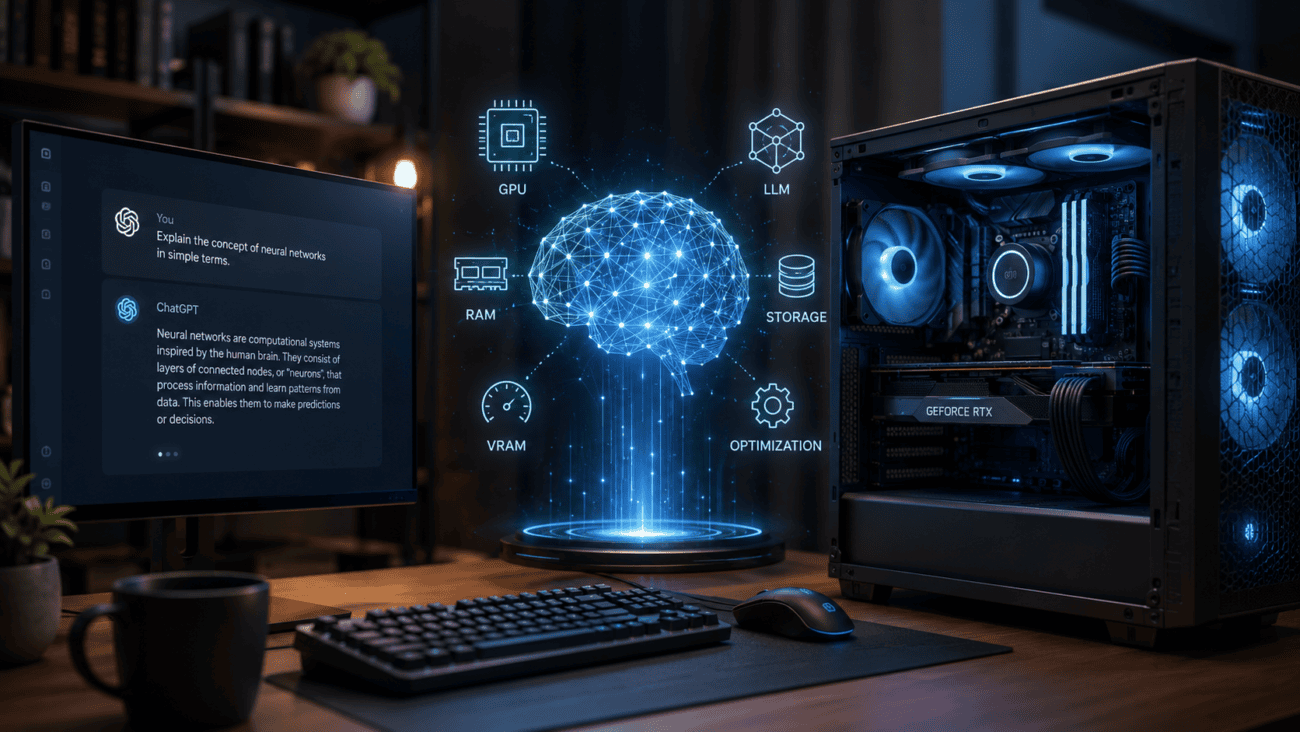
A quiet revolution is happening in spare rooms and home offices. The same kind of artificial intelligence that powers famous chatbots can now run entirely on a well-equipped personal computer — no subscription, no internet connection, no data leaving your house. Tens of thousands of enthusiasts have already made the jump, and the hardware to join them is more accessible than most people think. Here is what the home AI boom is about, why people are doing it, and what it genuinely requires.
Why anyone would run AI at home
Three reasons keep coming up. Privacy is the first: when a model runs on your own machine, your questions, documents and ideas never touch anyone else’s server. Cost is the second: cloud AI subscriptions and usage fees add up, while a local model costs only electricity once the hardware is paid for. Control is the third: local models never disappear behind a price change, never get altered overnight, and work exactly the same on a plane as they do at home. For writers, programmers, researchers and the simply curious, that combination is compelling.
The open-source engine behind it all
None of this would be possible without a wave of freely downloadable AI models. Laboratories around the world now release so-called open-weight models — the actual trained brains of the system — that anyone may download and run. Some are compact enough for a laptop; the larger ones rival the quality of famous commercial chatbots. Free software with friendly names like Ollama and LM Studio has turned what used to be a research-lab exercise into a ten-minute setup: pick a model from a menu, click download, start chatting.
The one component that decides everything
If you remember one technical fact, make it this: home AI lives and dies by the graphics card — specifically by how much video memory, or VRAM, it has. An AI model must fit inside that memory to run at full speed. Small models squeeze into 8 GB; the mid-sized models most enthusiasts favour want 16 to 24 GB; the largest open models demand professional hardware. Processor speed and system RAM matter far less than most buyers assume. That is why the enthusiast community obsesses over memory capacity rather than raw gaming performance.
Choosing that card is where most newcomers get lost, because gaming reviews rank hardware by frame rates rather than by AI capability, and the two rankings disagree in important places. Dedicated comparisons of the best GPUs for AI now rank cards by video memory, model capacity and value per pound rather than gaming benchmarks — a far better compass for this particular journey, and worth consulting before any money changes hands.
What a realistic budget looks like
The encouraging news is that the entry ticket is lower than the headlines suggest. A used or mid-range graphics card with 12 to 16 GB of memory — the kind found in a decent gaming PC — already runs surprisingly capable models smoothly. Enthusiasts chasing bigger models step up to 24 or 32 GB cards, and a small but growing crowd uses compact mini PCs or Apple’s unified-memory machines, which trade raw speed for the ability to load very large models efficiently. In short: a capable home AI machine spans roughly the same budget range as a gaming PC, from modest to extravagant.
What it feels like to use
Day to day, a local model behaves like a private chatbot. It drafts and rewrites text, summarises documents, answers questions, helps with code, translates, and brainstorms — all offline. The largest cloud models still hold an edge on the very hardest reasoning tasks, and local setups require a little more tinkering than a polished app. But for the everyday tasks that make up most AI use, a well-chosen local model on suitable hardware is genuinely hard to tell apart from the paid alternatives — and it never sends a word of your data anywhere.
The catches, honestly stated
Home AI is not magic. Big models need serious hardware, and stretching beyond your card’s memory means slower responses or reduced quality. A powerful GPU under sustained load draws real electricity and produces real heat and noise. Models also age: the field moves so quickly that this year’s favourite is often eclipsed within months — though downloading a newer one is free. And while setup has become dramatically easier, an occasional willingness to read a guide or update a driver still helps. None of these are dealbreakers; they are simply the trade-offs of owning the stack yourself.
How to start sensibly
Skip the impulse purchase. First decide what you actually want to do — casual chat and writing help needs far less hardware than heavy coding assistance or long-document analysis. Then check what your current computer can already manage: many people discover their existing gaming PC runs small models today at zero cost. Only then, if you need more, shop deliberately — prioritising video memory over every other specification, and checking a model-to-hardware calculator before spending. The happiest home AI users are the ones who matched the hardware to the ambition, not the ones who bought the biggest card on the shelf.
A note on software and safety
Two practical reassurances for the cautious. First, the popular local-AI applications are free, open-source and widely audited, and the models themselves are inert files — they cannot phone home, because the entire point is that nothing leaves your machine. Second, keeping things updated is painless: the apps update themselves like any modern software, and swapping to a newer model is a download rather than a purchase. The ecosystem has matured to the point where the most common misstep in the hobby is simply spending more on a graphics card than your ambitions required.
The bigger picture
Personal computing has been here before. Mainframes gave way to PCs; centralised websites gave way to personal media libraries; and now some of the intelligence that lived exclusively in data centres is moving onto desks and into studies. The cloud will always have a role — the largest models are simply too big for any home — but the direction of travel is unmistakable. The tools are free, the models are improving monthly, and the hardware is a considered purchase rather than a shot in the dark. For anyone who values privacy, predictability and ownership, there has never been a better time to give a local AI a home.
