
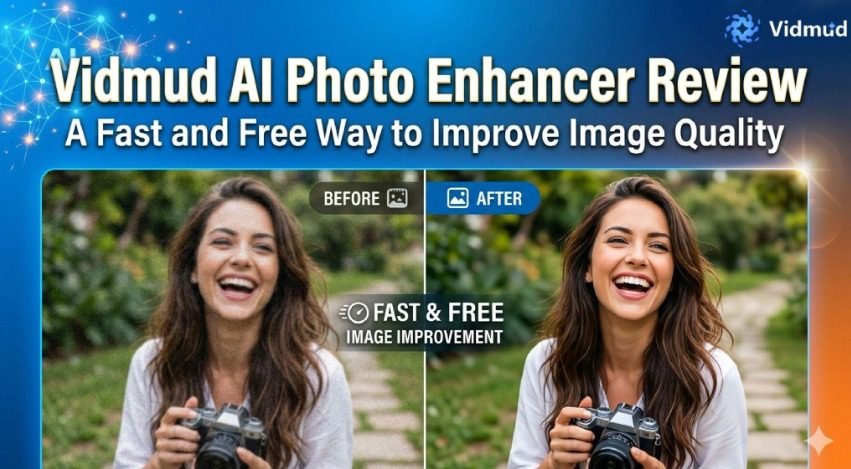
In recent years, AI-powered editing tools have completely changed how people edit photos online. What once required expensive software and advanced editing skills can now be done in just a few clicks. From restoring blurry images to improving sharpness and color quality, AI photo enhancement tools are becoming essential for creators, marketers, students, photographers, and social media users.
One tool gaining attention in this space is Vidmud photo enhancer. Designed to make photo editing simple and accessible, the platform offers a browser-based AI solution that enhances images without requiring downloads, complicated settings, or even an account.
This review takes a closer look at the features, usability, strengths, and overall performance of the AI photo enhancer tool and explains why it stands out in an increasingly crowded market.
What Is Vidmud AI Photo Enhancer?
Vidmud AI Photo Enhancer is an online image enhancement tool powered by artificial intelligence. It helps users improve photo quality automatically by sharpening details, adjusting lighting, restoring clarity, and enhancing overall image appearance.
Unlike traditional editing software that requires manual adjustments, Vidmud uses AI models to analyze images and apply intelligent improvements within seconds. The process is beginner-friendly and works directly in a web browser.
One of the most appealing aspects of the platform is its simplicity. Users can upload an image, allow the AI to process it, and download the enhanced version almost instantly. No technical knowledge is required.
The platform also emphasizes accessibility by offering free usage with no sign-up requirement.
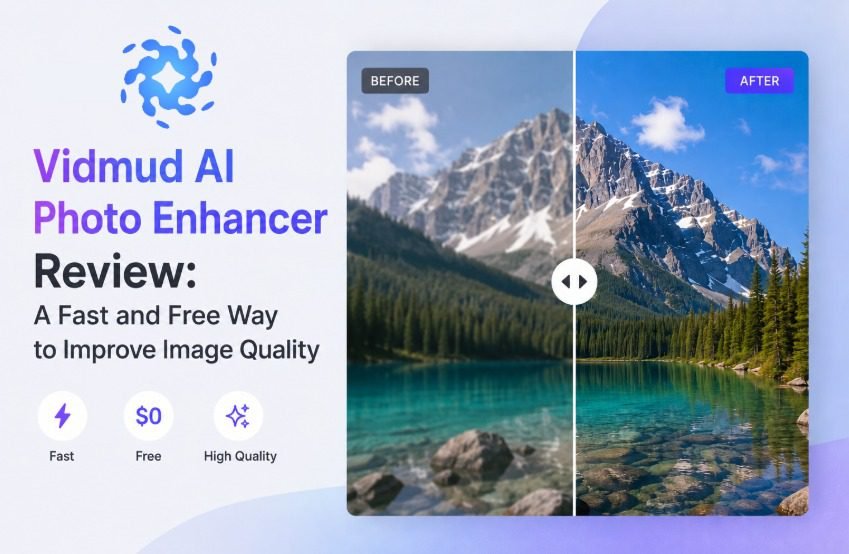
Clean and Beginner-Friendly Interface
Many online AI tools overwhelm users with complex menus and confusing settings. Vidmud takes the opposite approach with a simple and clean interface.
The layout is straightforward:
- Upload your image
- Choose enhancement options
- Let the AI process the photo
- Download the result
Everything is clearly organized, making the tool easy to use even for first-time visitors. According to the platform, the interface is designed to work smoothly across devices, including desktop and mobile browsers.
This ease of use makes the tool especially useful for casual users who want quick improvements without learning professional editing software.
AI-Powered Enhancement Features
The biggest strength of Vidmud lies in its AI enhancement capabilities. The tool focuses on improving image quality automatically while preserving natural details.
Some notable enhancement functions include:
Sharpening Blurry Images
Low-quality or slightly blurred images can often look unusable. Vidmud’s AI attempts to restore sharpness and improve visible detail, making photos clearer and more professional-looking.
Lighting and Color Correction
Poor lighting can ruin an otherwise great image. The AI automatically balances brightness, shadows, and color tones to create more visually appealing results.
Detail Restoration
The tool enhances textures and finer details in portraits, objects, landscapes, and other types of images. This is especially helpful for older or compressed photos.
Portrait Improvements
Facial details are often enhanced naturally without creating an overly artificial appearance. Skin tones, lighting, and facial clarity are improved while maintaining realism.
Upscaling Support
Vidmud also highlights image upscaling functionality that helps improve resolution and clarity for larger displays or higher-quality exports.
These automated improvements save time and remove the need for manual editing.
No Signup Required
One feature that truly separates Vidmud from many competitors is the lack of mandatory registration.
A large number of AI editing platforms require users to create accounts before accessing basic features. Some even hide downloads behind subscriptions or watermarks.
Vidmud avoids these frustrations by allowing users to access the tool directly without signing up. The platform specifically promotes itself as a free AI editing solution with no account required.
This makes the experience much faster and more convenient.
Online discussions also show that users are increasingly frustrated with AI tools that force registration or impose heavy restrictions. Reddit users frequently mention how difficult it is to find genuinely free AI editing services without signup barriers or hidden limitations.
Vidmud’s approach addresses a common problem many users face today.
Privacy and Data Security
Privacy is another area where the platform attempts to stand out.
Many users hesitate to upload personal images to AI platforms because they are unsure how their data is handled. Vidmud states that user privacy is prioritized and uploaded content is not permanently stored.
This privacy-focused approach is important for people editing personal photos, business images, or client content.
In an era where concerns about AI data usage continue to grow, transparent privacy practices can significantly improve user trust.
Performance and Speed
One of the most impressive aspects of the tool is its speed.
Image processing happens quickly, even on standard browsers. Users do not need high-end computers or powerful editing software to enhance photos.
The AI delivers results within seconds for most images, making it ideal for:
- Social media content
- Marketing graphics
- Product images
- Blog visuals
- Personal photography
- Quick edits for presentations
Fast performance is particularly useful for creators who work with large amounts of visual content regularly.
Practical Use Cases
Vidmud AI Photo Enhancer works well across many different scenarios.
Social Media Content
Content creators can improve profile pictures, Instagram posts, thumbnails, and promotional visuals quickly.
Product Photography
Small businesses and online sellers can enhance product images for marketplaces, websites, and advertisements.
Old Photo Restoration
Older or lower-quality images can gain improved sharpness and visual appeal through AI enhancement.
Marketing and Branding
Marketers can create cleaner and more professional graphics without needing advanced editing experience.
Student and Personal Projects
Students, hobbyists, and casual users can improve everyday images easily for presentations, portfolios, or creative projects.
The flexibility of the tool makes it useful for both professional and casual audiences.
Strengths of Vidmud AI Photo Enhancer
Here are some of the platform’s biggest advantages:
- Free online access
- No sign-up requirement
- Fast AI processing
- Beginner-friendly interface
- Automatic image improvements
- Privacy-focused experience
- Works directly in browser
- Supports multiple editing and enhancement tasks
These strengths make the platform appealing to users who want fast and convenient results without complicated workflows.
Areas That Could Improve
While the tool performs well overall, there are still a few limitations worth mentioning.
Like many AI enhancement tools, results may vary depending on the original image quality. Extremely blurry or heavily compressed photos may not always achieve perfect restoration.
Additionally, professional photographers or advanced editors may still prefer software with more manual control and fine-tuning options.
However, for everyday users seeking quick improvements, Vidmud offers a strong balance between simplicity and performance.
Final Verdict
Overall, Vidmud AI Photo Enhancer delivers an impressive editing experience for users who want fast, accessible, and hassle-free image enhancement.
Its combination of AI-powered improvements, free access, browser-based convenience, and no-signup functionality makes it especially appealing in today’s crowded AI tool market.
The platform succeeds by focusing on simplicity while still delivering meaningful image quality improvements. Whether you want to sharpen photos, improve lighting, upscale visuals, or quickly enhance social media content, Vidmud provides a practical solution without unnecessary complexity.
For anyone searching for a lightweight and beginner-friendly online enhancement tool, the Vidmud photo enhancer and its dedicated AI photo enhancer page are definitely worth trying.
