
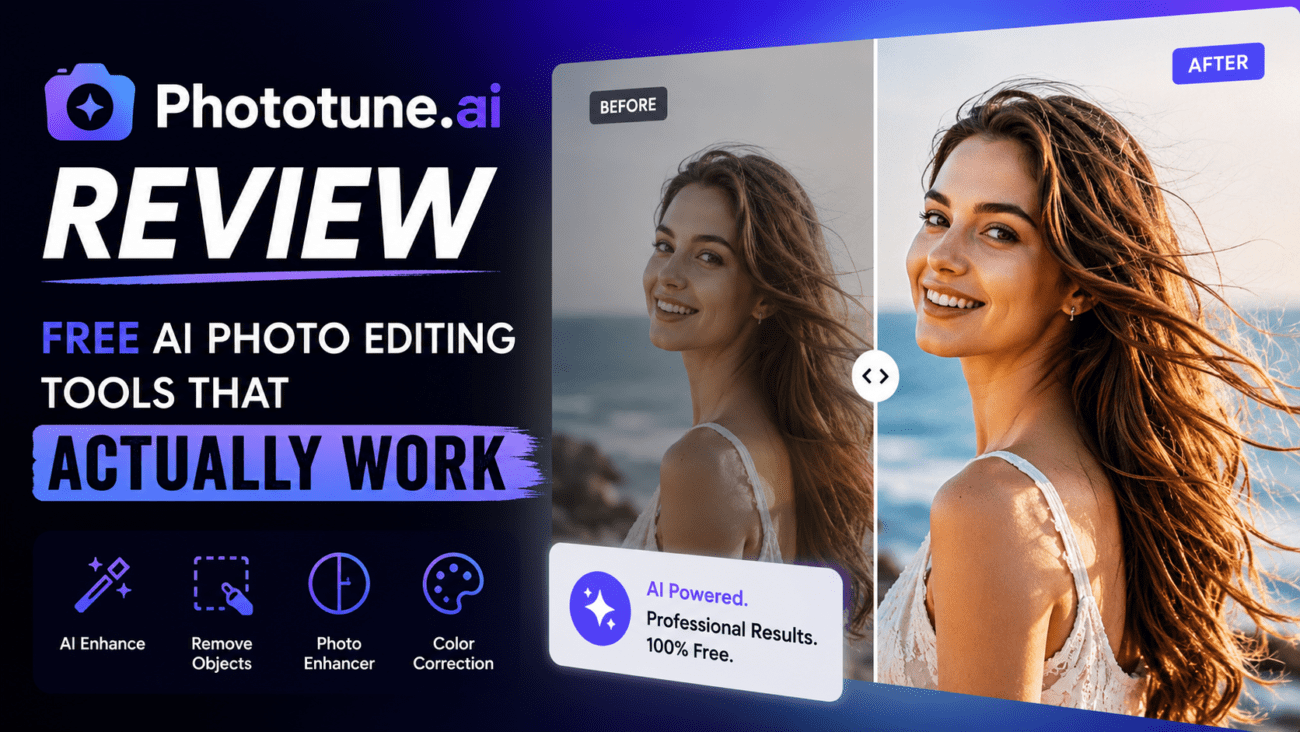
Finding a free online photo editing tool that delivers professional results without requiring a sign-up, a subscription, or a software download is harder than it sounds. Most tools either limit resolution, add their own watermark, or push you toward a paid plan after one use. Phototune.ai takes a different approach — a focused set of AI-powered tools that do exactly what they say, for free, with no account required.
What Is Phototune.ai?
Phototune.ai is a browser-based AI photo editing platform built around a simple idea: photo editing shouldn’t feel like work. Instead of offering a complex suite of tools with a steep learning curve, it focuses on a handful of specific, practical tasks — watermark removal, background removal, image enhancement, and AI image generation — and executes each one extremely well.
The platform works entirely in the browser. There’s nothing to install, no account to create, and no payment required. You upload your image, choose the tool you need, and download the result. The whole process typically takes under a minute.
Tools Available on Phototune.ai
| Tool | What It Does | Best For |
| Watermark Remover | Removes logos, text overlays, timestamps, and platform branding using AI reconstruction | E-commerce sellers, content creators, personal photos |
| Background Remover | Automatically cuts out the background and returns a transparent or clean result | Product photos, portraits, profile pictures |
| AI Image Enhancer | Sharpens blurry photos and upscales resolution by 2x or 4x | Low-res images, old photos, print preparation |
| AI Image Generator | Creates original images from text descriptions | Social media, marketing, creative projects |
Watermark Remover: How Well Does It Work?
The watermark remover is Phototune.ai’s flagship tool and the one most users come for. It uses AI inpainting to reconstruct the background behind the watermark rather than simply blurring or painting over it. This is a critical distinction — tools that blur or clone produce obvious patches, while AI reconstruction produces seamless results.
In practice, the tool handles all common watermark types cleanly: corner logos, diagonal text overlays, date stamps, tiled full-screen patterns, and platform branding from social media apps. For most standard watermarks, automatic detection requires no manual input and produces a clean result in seconds.
For more complex cases — watermarks on highly detailed backgrounds like fabric, skin, or foliage — the manual brush tool allows precise selection of the area, giving the AI a clear target for reconstruction.
Background Remover: Accuracy on Difficult Subjects
Background removal is one of the most commonly needed photo editing tasks, particularly for e-commerce product images and profile pictures. Phototune.ai’s background remover handles the technically difficult cases — hair, fur, transparent objects, and subjects that blend with the background — with high accuracy.
The result is a clean transparent PNG ready for use on any background. There’s no need to manually trace edges or refine the selection. The AI handles the entire process automatically.
AI Image Enhancer: Sharpening and Upscaling
The image enhancer improves photo clarity and increases resolution using AI — not simple interpolation. This means upscaled images retain natural detail rather than becoming blocky or soft. The tool supports 2x and 4x upscaling, making it useful for preparing images for print, large-format displays, or recovering detail from low-resolution photos.
It works particularly well on portraits and product photos where fine detail matters. Old, blurry, or low-resolution images see significant improvement with minimal effort.
What Makes Phototune.ai Different
| Feature | Phototune.ai | Most Competitors |
| Account required | No | Usually yes |
| Free to use | Yes, fully free | Free tier with restrictions |
| Adds watermark to output | No | Often yes on free tier |
| Full resolution download | Yes | Often limited on free tier |
| Works on mobile | Yes — browser-based | Sometimes limited |
| Privacy | Images processed in browser | Varies — often uploaded to servers |
Who Should Use It
E-commerce sellers who need to clean supplier product photos, remove backgrounds for marketplace listings, or enhance low-resolution images before publishing.
Content creators and social media managers who regularly work with images that have platform watermarks, need background removal for composites, or want to generate visuals quickly without design software.
Small business owners who need professional-quality images for their website, ads, or marketing materials but don’t have the budget for a designer or a Photoshop subscription.
Casual users who occasionally need to clean up a personal photo — remove a date stamp, erase a logo, or sharpen an old blurry image — without learning a complex tool.
Overall, Phototune AI delivers on its core promise: fast, practical photo editing that works without setup, payment, or technical knowledge. For anyone who needs AI-powered image tools without the overhead of a full editing suite, it’s one of the most straightforward options available in 2026.
