
Professionals, students, content creators, and remote workers are continually switching between apps and digital workspaces. Whether it’s a single or dual screen setup, every interruption is a small barrier to smooth workflow.
Does using two displays instead of one make this process faster? For many workflows, it can.
A single-screen workspace has one obvious advantage: simplicity. Two screens take up more desk space and create additional mental overhead when users have to remember which windows are open where. A dual-screen setup can, however, reduce the time wasted switching windows when users need to work across two or more applications.
Single Screen vs Dual Screen: The Quick Overview
| Feature | Single Screen | Dual Screen |
| Workspace | Limited | Expanded |
| App Switching | More frequent | Reduced |
| Multitasking | Moderate | Strong |
| Portability | Excellent | Depends on setup |
| Desk Space | Minimal | More space required |
| Best For | Focused tasks | Multi-app workflows |
Why a Single-Screen Setup Works (For Most Tasks)
A single-screen setup works best for users who do most of their work in one application at a time. Writers, casual users, or anyone who values a distraction-free workspace may prefer using only one display.
The big advantage of a single-screen setup is its simplicity. One screen, one cable, and less desk clutter. Laptop users can also work in more places without additional hardware.
The problem with using a single screen is when even basic tasks involve switching between multiple open windows. For example, when a report writer needs to check some research, reply to a message, or compare a document to a reference.
All of these actions involve opening, minimizing, and maximizing windows. In the grand scheme, each individual transition may be fast. Across a whole day of work, they can add up.
A Dual-Screen Setup Can Actually Save Time
When a dual-screen setup works, users are often able to keep important information in view at all times. Tabs can remain open, side-by-side, instead of requiring repeated tab switching.
Practical examples include:
- Writers, who can draft on one screen and leave research visible on the other
- Developers, who can code on one screen and keep reference materials or output visible
- Video editors who can use one display for the timeline and another for preview or for accessing files
- Students, who can take notes while watching an online class
- Marketers, who can split workspaces to manage analytics, copy, content and communication
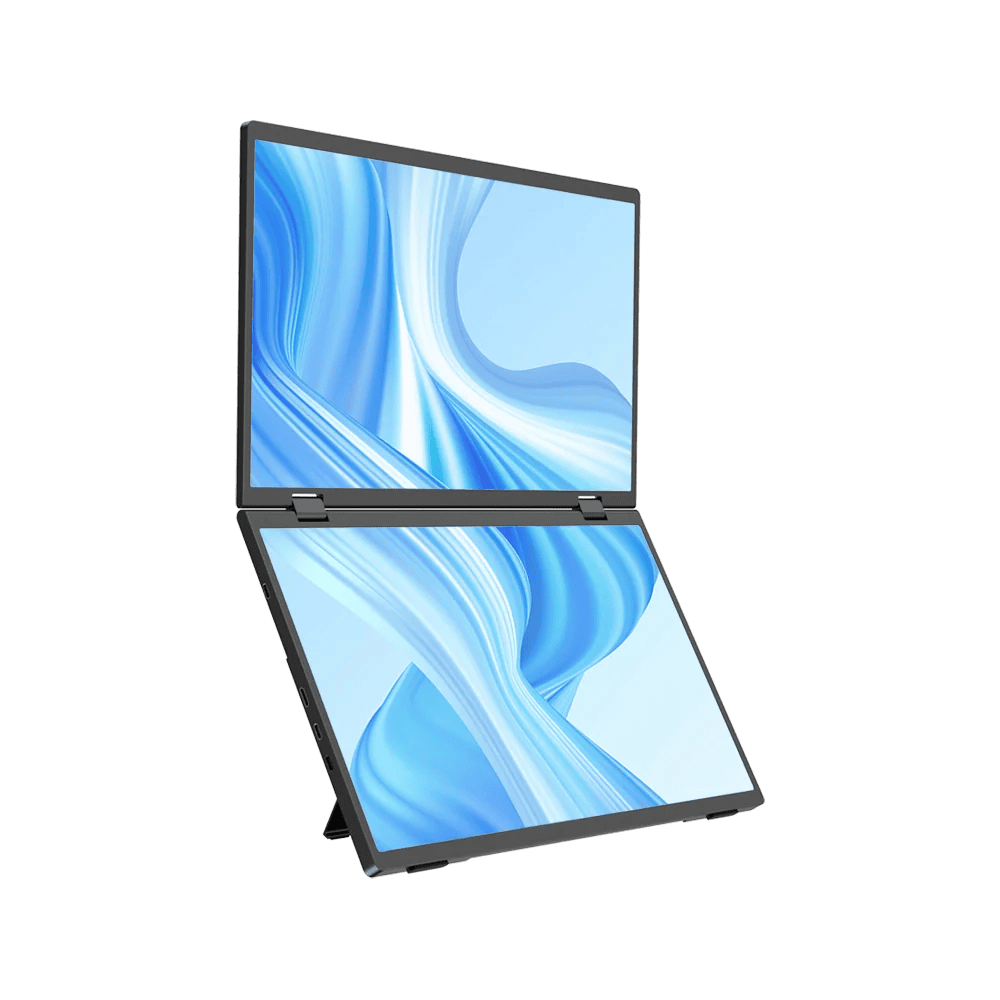
Multi-screen workflow brands such as UPERFECT offer display solutions designed for users who need a little extra screen real estate, without relying entirely on a single, traditional desktop monitor.
The key factor in where time is saved
The real benefit of a dual-screen setup does not come from having two monitors that, somehow, make a user work twice as fast. The time is saved by reducing the need to repeat simple actions.
| Common Task | Single Screen | Dual Screen |
| Comparing two documents | Frequent switching | Side-by-side viewing |
| Research and writing | Repeated tab changes | Both remain visible |
| Video meetings | Meeting dominates screen | Meeting + workspace |
| Data entry | Switch between source and form | View both simultaneously |
| Editing | Limited workspace | Tools and preview separated |
By ensuring that information stays in view, it is possible to maintain better workflow continuity. This can be highly valuable for repetitive tasks that involve repeated referencing, copying, comparing, or even just monitoring.
A Portable Dual Screen Setup Provides More Flexibility
Traditional desktop dual-monitor setups are great for permanent office spaces. When a user is mobile, however, adding a second display without a docking station can be much less practical.
A portable monitor can provide more screen space and still be easier to carry and set up.
Portable displays are therefore especially useful for:
- Remote workers
- Business travelers
- Digital nomads
- University students
- Freelancers
- Mobile content creators
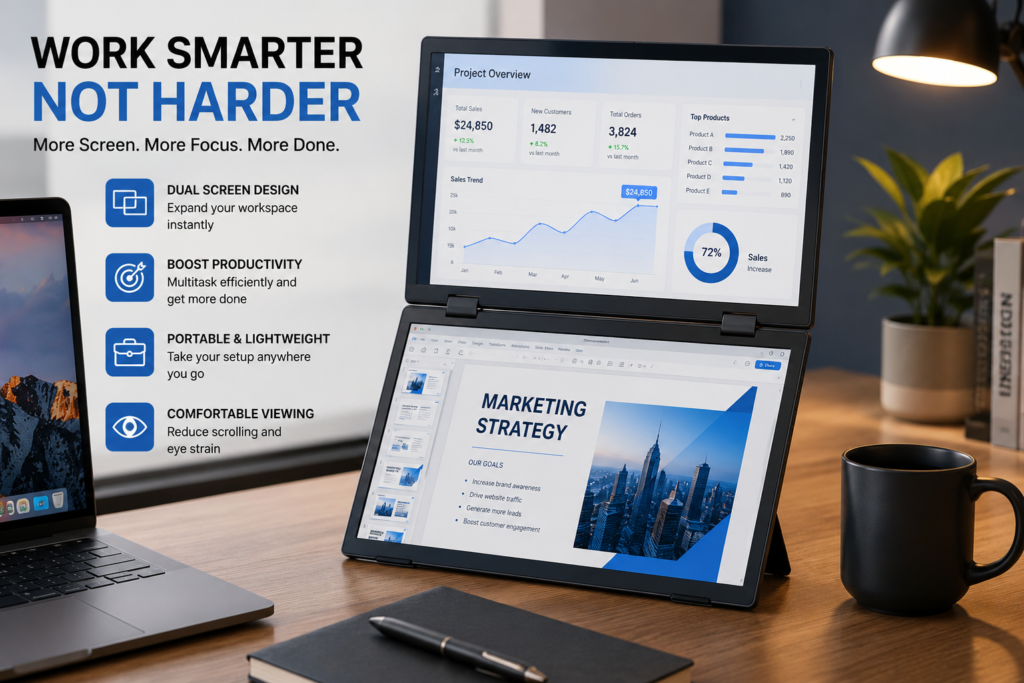
Portable dual screens allow users to enjoy the benefits of two displays without having to choose between productivity and portability. A temporary dual-screen workspace can be created wherever the user’s devices support an external display.
Does Working Outdoors Change the Equation?
It is also worth noting that standard displays can become harder to view in a bright environment. Reflections and ambient light may wash out the screen, making it difficult to focus.
Users who often work on balconies, patios, outdoor production locations or other bright spaces, should consider how a sunlight monitor with suitable brightness levels can provide a more practical viewing experience.
Outdoor usability, as with most aspects of a display, is about more than screen size. Brightness, glare management, power requirements and even viewing conditions should be considered when evaluating display options.
When a Single Screen Is a Better Choice
A dual-screen setup is not automatically the best choice for every possible workflow. It is possible that a single screen is a more efficient workspace when:
- You mainly work in one application at a time
- You are easily distracted by multiple open windows
- Your desk space is very limited
- Maximum portability is your priority
- Your workflow does not involve tasks that require frequent cross-referencing
Focused tasks like reading, writing, and basic web browsing often do not need more than one display.
Which Setup Actually Saves Time?
For simple, single-task workflows, a single screen is about as fast as two. For workflows involving multiple applications, however, a dual-screen setup can often save time.
The practical answer is, simply: Use a single screen when your work is focused and linear. Use a dual-screen setup when your work involves frequent comparison, referencing, monitoring or multitasking.
The real productivity gains are not, ultimately, found by increasing the number of displays. They are created by removing friction from the way you already work.
Frequently Asked Questions
Does a dual-screen setup improve productivity?
Dual screens can be very useful for users whose typical workflows involve switching between multiple apps, documents, dashboards, communication tools, or reference materials.
Is a large monitor better than two screens?
In some cases. A single large monitor provides a continuous workspace. Using two smaller screens more clearly separates distinct tasks and applications.
Can I use two screens with my laptop?
Yes, in many cases. Laptops typically support external displays through USB-C, HDMI, or other adapters. Check your laptop’s display-output options before buying a monitor.
Is a portable monitor a useful tool for remote work?
Yes. Portable displays allow users to create a temporary dual-screen workspace without having to give up on mobility.
Who most commonly benefits from a dual-screen setup?
Developers, designers, video editors, writers, researchers, students, marketers, financial professionals, and other users who tend to work across multiple apps.
Will dual screens always be faster than a single screen?
No. If a second screen only creates distractions, or is not really required for the task at hand, it will not improve efficiency. Dual screens are most effective when both screens have well-defined purposes.
Final Verdict
In the single vs dual screen question, there is no single winner. A single screen is excellent for simplicity and focused work, while two screens are, in general, more suited to complex workflows that involve multiple sources of information.
For users who want more workspace without losing out on mobility, portable display solutions can offer a viable option. These portable monitors bridge the gap between a fixed desktop setup and a more flexible multi-screen workflow.
In the end, the setup that saves the most time is the setup that is least intrusive for the way you already work.
