
LMC 8.4 APK Download is available for Android users who want to install Hasli’s modified Google Camera application. The latest LMC 8.4 release listed in the Hasli archive is R18, distributed through six APK variants with R18F1 filenames. As of October 22, 2026, R18 remains the most recent release identified within the LMC 8.4 family.
You can find the available packages through the LMC 8.4 R18F1 download page or Hasli’s R18 release archive. The Standard APK is a reasonable starting point if your phone has no documented requirement for another package. Compatibility depends on your device, Android version and camera hardware.
LMC 8.4 is an unofficial Google Camera port, not an application developed or supported by Google.
Key takeaways
- Latest LMC 8.4 release: R18, dated June 14, 2023, in the Hasli archive, with R18F1 APK filenames.
- Available APK variants: Standard, Snapcam, Aweme, Scan3D, Google Lens and Iris.
- Device compatibility: Android version, Camera2 API support, camera hardware and package identity can affect functionality.
- XML configuration: Optional files can import camera settings, but configurations should match the phone and release.
- Download safety: Use identifiable distribution sources, keep Google Play Protect enabled and avoid assuming that an APK is safe simply because a website offers it.
LMC 8.4 APK Download: R18F1 and R17
LMC 8.4 is a modified version of Google Camera 8.4 developed by the modder known as Hasli. It is intended to bring Google Camera-style processing and additional configuration options to compatible Android smartphones.
The application uses Android APK files for installation. Unlike applications installed directly through Google Play, these packages are typically downloaded from third-party distribution websites and installed manually.
The Hasli release archive identifies two particularly relevant versions for people searching for LMC 8.4:
| Version | Release date | Available APK variants | Download |
|---|---|---|---|
| LMC 8.4 R18 | June 14, 2023 | 6 | R18F1 APK downloads |
| LMC 8.4 R17 | May 3, 2023 | 5 | R17 APK downloads |
The dates follow the Hasli archive. Another independent archive dates R18-F1 to June 13, 2023, but both records place R18 after R17.
For a new installation, R18F1 is the natural starting point because it is the most recent documented release within the 8.4 family. However, a working R17 installation does not necessarily need replacing.
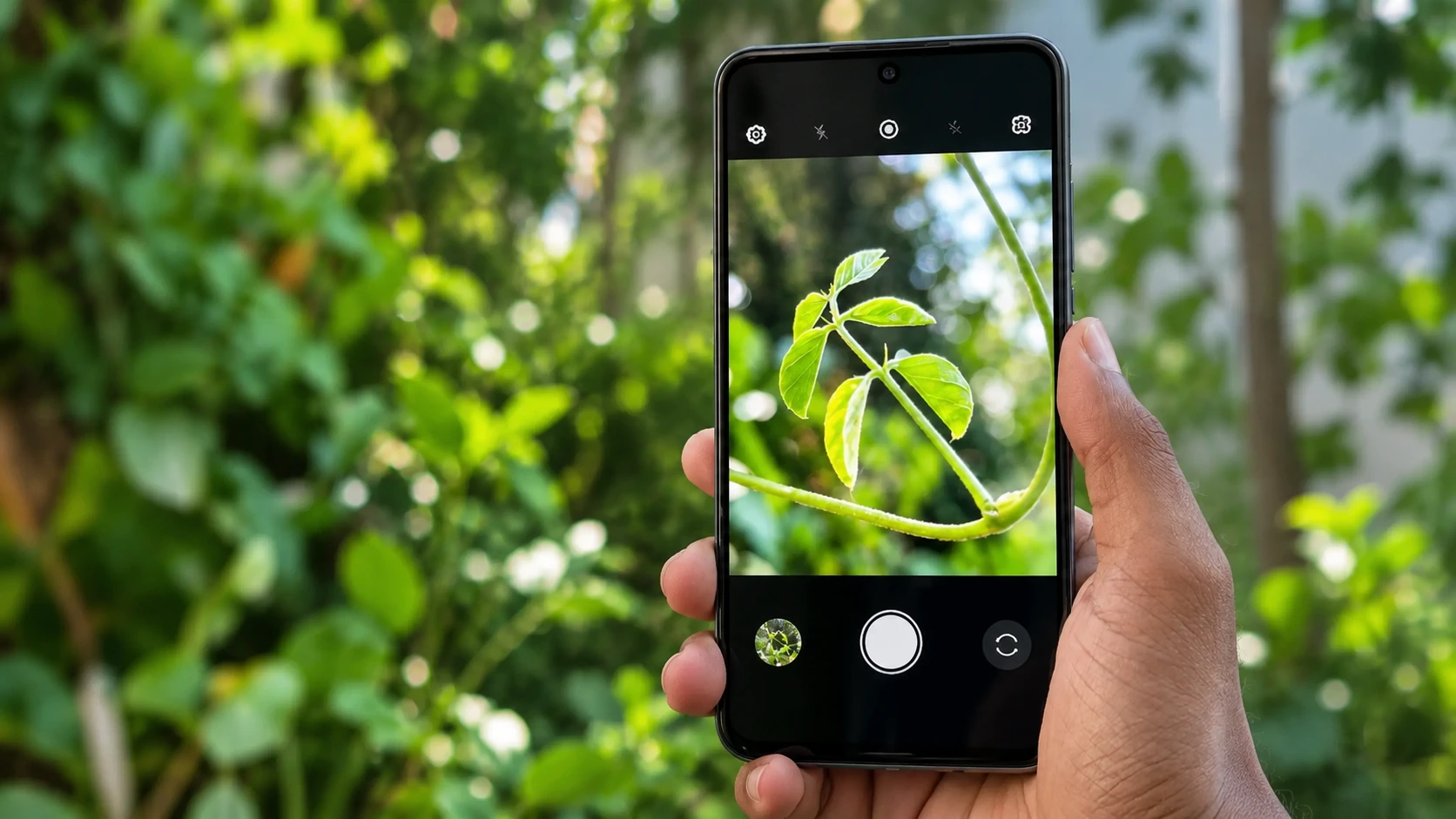
Download LMC 8.4 R18F1 APK variants
The R18 release has six APK options. Each uses a different Android package identifier, which determines how Android recognizes the application.
| APK variant | Official filename | Android package ID |
|---|---|---|
| Standard | `LMC8.4_R18F1.apk` | `com.google.android.GoogleCameraLMCR18` |
| Snapcam | `LMC8.4_R18F1_Snapcam.apk` | `org.codeaurora.snapcam` |
| Aweme | `LMC8.4_R18F1_Aweme.apk` | `com.ss.android.ugc.aweme` |
| Scan3D | `LMC8.4_R18F1_Scan3D.apk` | `com.samsung.android.scan3d` |
| Google Lens | `LMC8.4_R18F1_Google_Lens.apk` | `com.google.android.GoogleCameraEng` |
| Iris | `LMC8.4_R18F1_Iris.apk` | `com.samsung.android.server.iris` |
These filenames and package identifiers appear in Hasli’s R18 distribution listing.
The six packages belong to the same named release. Their different identities can affect installation conflicts or access to particular camera sensors, but the package name alone does not establish compatibility or better image quality.
LMC 8.4 R17 vs R18: What changed?
R17 was released before R18 and remains relevant for users whose phones already run it reliably.
According to the R18 changelog, the later release focuses primarily on interface and configuration improvements, including:
- A full-height exposure slider beside the camera preview.
- Revised popup lists and interface controls.
- Vibration feedback for supported controls.
- Custom white-balance and noise-model options.
- Selectable viewfinder frame rates.
- Changes to auxiliary-camera configuration.
The R18 release notes describe these changes as usability improvements rather than an image-quality upgrade.
That distinction matters if R17 already works on your phone. Updating to R18 may provide more convenient controls, but it does not guarantee sharper photographs, better night shots or improved video recording.
There is also a newer LMC 9.6 release family in the Hasli archive, with a release dated June 21, 2026. It is separate from LMC 8.4 and has different requirements. A higher version number does not automatically make it the best option for every Android device.
Which LMC 8.4 APK Variant Should You Choose?
The Standard R18F1 APK is a sensible first choice when there is no reliable device-specific recommendation.
The other variants exist partly because Android manufacturers can restrict third-party applications from accessing certain camera sensors. On some phones, the application package name influences whether an ultrawide, telephoto or other auxiliary camera becomes available.
For example, a phone might allow the Standard package to open its primary rear camera while restricting additional sensors. An alternate package identity may help the application access those cameras if the manufacturer’s software recognizes that identity.
It is not a guaranteed workaround. Restrictions enforced by the device’s camera hardware or software may remain.
Standard APK
The Standard package uses:
`com.google.android.GoogleCameraLMCR18`
Start here when your phone has no documented requirement for Snapcam or another identity.
After installation, check whether the main camera opens and saves photographs correctly. Then test the front camera and any additional lenses displayed in the application.
Snapcam APK
The Snapcam variant uses:
`org.codeaurora.snapcam`
This identity is associated with certain Snapdragon-based camera implementations and is commonly considered for compatible devices that restrict auxiliary-camera access.
It can be worth trying when reliable guidance for your exact model recommends Snapcam. The presence of a Snapdragon processor alone does not guarantee that the variant will work.
Aweme APK
The Aweme variant uses:
`com.ss.android.ugc.aweme`
This alternative identity appears in GCam package guidance for selected Android devices, including certain OPPO, Realme and OnePlus configurations.
Its usefulness depends on how the phone’s software handles camera access. It should not be treated as the default APK for every device from those manufacturers.
Scan3D and Iris APKs
These variants use Samsung-associated package identifiers:
- Scan3D: `com.samsung.android.scan3d`
- Iris: `com.samsung.android.server.iris`
They may be useful on particular Samsung devices where the manufacturer limits camera access based on package identity.
However, not every Samsung phone uses the same camera implementation or Android software configuration. Neither variant is guaranteed to unlock additional lenses.
Google Lens APK
The Google Lens variant uses:
`com.google.android.GoogleCameraEng`
This is another Google Camera-related package identity. Its name does not guarantee that every Google Lens feature will be available.
For more detail about choosing between these options, the LMC package-selection guide explains how package identities relate to camera access.
Practical recommendation: Choose one package, record its exact filename and test it before experimenting with alternatives. Avoid installing several variants at once when trying to diagnose a problem, as that can make it harder to identify which configuration works.
How to Install LMC 8.4 APK on Android
LMC 8.4 is installed using Android’s APK installation process.
You normally do not need to root your phone, but successful installation depends on whether your device supports the selected build.
Step 1: Download the correct APK
Open the R18F1 release page and select your intended package.
If you have no device-specific recommendation, begin with:
`LMC8.4_R18F1.apk`
Check the filename before proceeding. An application with a similar name may be a different camera app or a configuration utility rather than Hasli’s R18F1 release.
Step 2: Open the downloaded file
After the download finishes, open your phone’s Files application or download manager.
Find the APK and tap it.
Android may display a message explaining that your browser or file manager is not permitted to install applications from that source.
If you trust the file and understand the risks, Android provides a source-specific installation permission. The exact screen varies by Android version and manufacturer.
Do not bypass Play Protect warnings or disable device-wide security protections merely to complete an installation.
Step 3: Install the application
If Android permits the installation, follow the on-screen instructions.
The installation may fail because the package is incompatible, conflicts with an existing application or cannot be processed by the operating system.
If that happens, check the exact APK variant and your phone’s software requirements before trying another file.
Step 4: Grant the necessary permissions
Open LMC 8.4 after installation.
Depending on the features you use, Android may request permission to access the camera, microphone or media.
Camera access is necessary for photography, while microphone access is relevant when recording video with audio.
Grant permissions according to the features you intend to use.
Step 5: Test the camera before importing an XML file
Start with the application’s default settings.
Take a photograph with the main rear camera and confirm that the image saves correctly. Next, check the front camera and any additional lenses available in the interface.
Record a short video and play back the saved file if video recording matters to you.
These checks help separate problems with the APK or device from problems introduced by a configuration file.
Only import an XML configuration after the basic application is working.
LMC 8.4 Compatibility and Android Requirements
LMC 8.4 does not work on every Android smartphone.
The main compatibility factors are the Android version, processor architecture, Camera2 API implementation, camera hardware and selected APK package.
Android version
Google Camera ports based on versions 8.1 through 8.5 generally target relatively modern Android systems. GCam Hub’s general compatibility guidance places these versions in the Android 10-and-newer category.
However, this is general guidance rather than a verified minimum requirement for every R18F1 package.
Some third-party download websites advertise Android 7 or Android 8 compatibility, but those statements may refer to older LMC builds or different application packages.
For that reason, an exact universal minimum Android version should not be assumed for R18F1 without checking the specific APK and phone.
Camera2 API support
Camera2 API is an Android interface that allows applications to communicate with the phone’s camera hardware.
Google Camera ports depend on suitable Camera2 API capabilities for features such as exposure control and image processing.
Phones with restricted implementations may encounter problems even when the APK installs successfully.
Possible symptoms include an application crash, black camera preview, inaccessible lenses or failed image capture.
Processor and camera hardware
A phone’s processor and camera drivers can affect how successfully LMC operates.
Two devices running the same Android version may behave differently because they use different sensors, camera processing systems or manufacturer restrictions.
Similarly, support for the main rear camera does not prove that the front, ultrawide, telephoto and macro cameras will work.
A package variant may improve access on one device without changing the behavior of another.
Check the functions you actually need
Once LMC opens, test its features individually instead of assuming that every available menu option works.
For photography, useful checks include HDR processing, portraits, low-light capture and lens switching.
HDR processing combines information from multiple exposures to help balance bright and dark areas. Portrait processing can add background blur, while low-light modes may use longer or multiple exposures.
The results depend on the device and configuration. A mode appearing in the menu does not guarantee that it will capture or save an image correctly.
For video, start with a short recording at a modest resolution, such as 1080p at 30 frames per second if available.
Play the file to confirm that both video and audio were saved. Test higher resolutions, stabilization and additional lenses separately.
Keeping your phone’s original camera application available provides a useful fallback if LMC cannot access a manufacturer-specific feature.
How to Use LMC 8.4 XML Config Files
LMC 8.4 supports optional XML configuration files that store camera settings.
An XML file can help apply multiple adjustments without requiring you to change each setting manually. Depending on the configuration, those adjustments may involve image processing, color, white balance, noise reduction or camera identifiers.
The Hasli LMC 8.4 configuration archive provides community-submitted files and instructions for R16 and later releases.
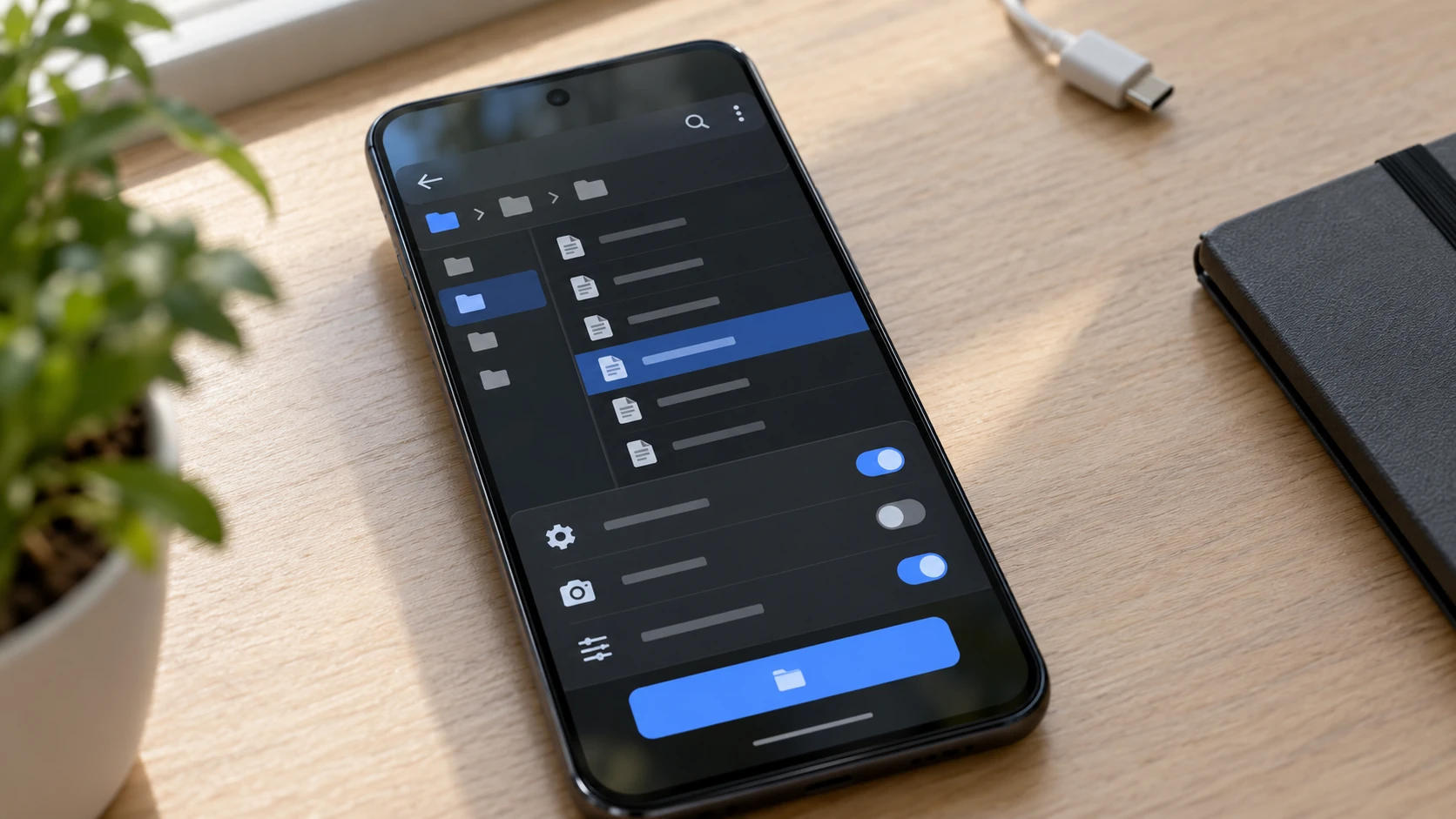
Download a suitable XML configuration
Choose a configuration intended for your phone model and, preferably, the same LMC release.
A file designed for a different sensor or Android implementation may import successfully but still produce incorrect colors, missing lenses or unstable camera behavior.
The LMC 8.4 XML config library provides another place to browse available configurations.
Check the configuration description rather than relying only on an attractive name such as “DSLR,” “Ultra HD” or “Natural Color.”
Those labels do not establish that a file will improve image quality on your device.
Install an XML config in LMC 8.4
For LMC 8.4 R16 and later, the upstream configuration archive documents the following directory at the root of internal storage:
`/LMC8.4/`
The general setup process is:
- Download an XML configuration intended for your device and LMC release.
- Open your phone’s file manager.
- Locate or create the `LMC8.4` folder in internal storage.
- Move the XML file into the documented configuration location.
- Open LMC 8.4 and use its configuration-loading function to select the file.
- Apply the configuration and check that the camera still opens and saves photographs.
On supported interfaces, the configuration loader may be opened by double-tapping the area beside the shutter button. The exact controls can vary by build.
Some third-party instructions use additional subfolders. Follow the instructions for the specific release rather than mixing directory layouts from different versions.
How to restore your previous settings
Before importing a configuration, save your current working settings as an XML file if the application provides that option.
This gives you a practical way to return to a known setup if a new configuration causes problems.
If the app remains accessible, reload the saved configuration or return the affected settings to their defaults.
If it stops opening after an import, clearing the application’s data may restore its initial state, but that can remove locally saved settings. Back up any configurations you want to keep before using that option.
An XML file cannot overcome camera restrictions enforced by the phone manufacturer. If a lens is inaccessible because of the device’s camera implementation, changing image-processing settings may not resolve the problem.
Is LMC 8.4 APK Safe to Download?
LMC 8.4 is unofficial software distributed outside Google’s standard Play Store installation process.
That does not automatically mean the application is harmful. It does mean that the source and identity of the downloaded APK deserve attention.
A website displaying the correct R18F1 filename does not establish that its hosted binary is identical to the Hasli archive’s file.
Likewise, a security scan reported for one older release does not verify every later package.
Before installing an APK, check the distribution source, exact filename and intended version. If a trustworthy checksum or digital-signature record is available for the exact file, it can provide another way to verify identity and integrity.
The R18F1 binaries linked in this article have not been independently installed, analyzed for malware or checked against matching file hashes and signing certificates. Their safety and compatibility cannot be guaranteed.
Keep Google Play Protect enabled
Google Play Protect can scan applications installed from sources outside Google Play and warn users about potentially harmful software.
Google recommends keeping this protection enabled. Its Play Protect guidance explains the scanning and warning system.
If Android blocks an installation or displays a security warning, investigate the reason rather than automatically disabling protection.
Also avoid giving a camera application unrelated permissions without understanding why they are requested.
Avoid confusing LMC 8.4 with similarly named apps
Several applications and download pages use similar names.
For example, Google Play has listed an application called G PRO Camera – LMC 8.4 Camera under the package identifier `com.progcamera.gcam`.
A separate XML configuration utility uses `com.detekfit.lmcconfig`.
Neither package identifier matches the six Hasli R18F1 camera APKs listed earlier.
Softonic has also listed an application named LMCamera 8.4 Camera Loader, which uses a different filename and developer designation.
These examples show why checking the application name alone is insufficient.
A reliable identification check uses the release name, exact APK filename and Android package identifier together.
The same distinction applies to version dates. Softonic’s LMC8.4 listing showed an update date of January 13, 2026, while identifying the package as the older R9 release. A recently updated download page does not necessarily contain a newly released camera build.
Fix LMC 8.4 Installation, Crash and Black-Screen Problems
Problems with LMC 8.4 can occur during installation, immediately after launch or only when a particular camera feature is used.
The most useful approach is to identify the first action that fails.
APK will not install
If Android refuses to install the file, check whether it is the intended APK and whether the download completed correctly.
Also check for an existing application using the same Android package identifier.
A package conflict or incompatible application may prevent installation.
If Play Protect identifies a security concern, do not treat that warning as an ordinary compatibility error.
LMC 8.4 crashes when opening
If LMC closes immediately after launch, the problem may involve the selected build, Android version, device compatibility or previously imported settings.
Start by identifying the exact release and package variant.
If a configuration was imported before the crashes began, restore the previous configuration where possible.
Where appropriate, removing the problematic installation and returning to a known working version may be more useful than repeatedly changing advanced settings.
Camera preview is black
A black preview may indicate that LMC cannot open the selected camera sensor.
Try the main camera before testing additional lenses.
If the main camera works but the ultrawide or telephoto preview remains black, the problem may involve auxiliary-camera permissions, camera identifiers or the selected APK package.
A different package identity may help on certain devices, but it will not overcome every hardware restriction.
Photos do not save correctly
If the camera preview works but photographs fail to save, check the app’s media access and whether the problem occurs in every camera mode.
Start with a normal photograph using default settings.
If standard capture succeeds but HDR, portrait or night capture fails, the problem is more specific than a complete application failure.
Test one setting at a time so you can identify which change affects the result.
Video recording fails
Some phones can capture photographs through a GCam port while failing to record video with particular sensors or resolutions.
Start with a short recording using the main camera.
Confirm that the resulting file plays correctly before increasing resolution or frame rate.
If video fails only after switching lenses or enabling stabilization, return to the last working combination.
Problems appear after importing XML
If the app worked before a configuration import, restore the previous settings first.
A configuration created for another device may contain unsuitable camera IDs or processing values.
Avoid changing several unrelated options while diagnosing the issue.
For additional symptom-specific help, the LMC Camera troubleshooting guide covers crashes, black previews and camera-function failures.
What to Check After LMC 8.4 Starts Working
A successful installation means the application opens. It does not establish that every camera mode works or that LMC produces better photographs than your phone’s original camera.
A useful comparison begins with a scene you can photograph consistently using both applications.
Try a daylight scene containing bright and shaded areas, then compare the saved photographs rather than relying only on the camera previews.
Check whether highlights retain detail, shadows look natural and colors remain believable.
For portraits, pay attention to focus and the edges of hair, glasses or other detailed objects.
Low-light photographs should be checked for motion blur, excessive sharpening and unnatural color changes.
Camera processing can involve trade-offs. A setting that brightens a dark scene may also increase visible noise or change the appearance of highlights.
Video reliability deserves a separate check because photo performance does not establish recording stability.
Keep a record of your phone model, Android version, LMC release, APK package and XML configuration. Those details make it easier to identify a working setup or diagnose a future problem.
If R18F1 operates reliably on your device, you can then experiment with optional settings and configurations. If it repeatedly fails while an older build works, retaining that older release or continuing to use your stock camera may be the more practical choice.
The best LMC 8.4 APK for your phone is the package that provides the camera functions you actually need without introducing unacceptable installation, stability or security problems.
More from zapcrest.co.uk.
