
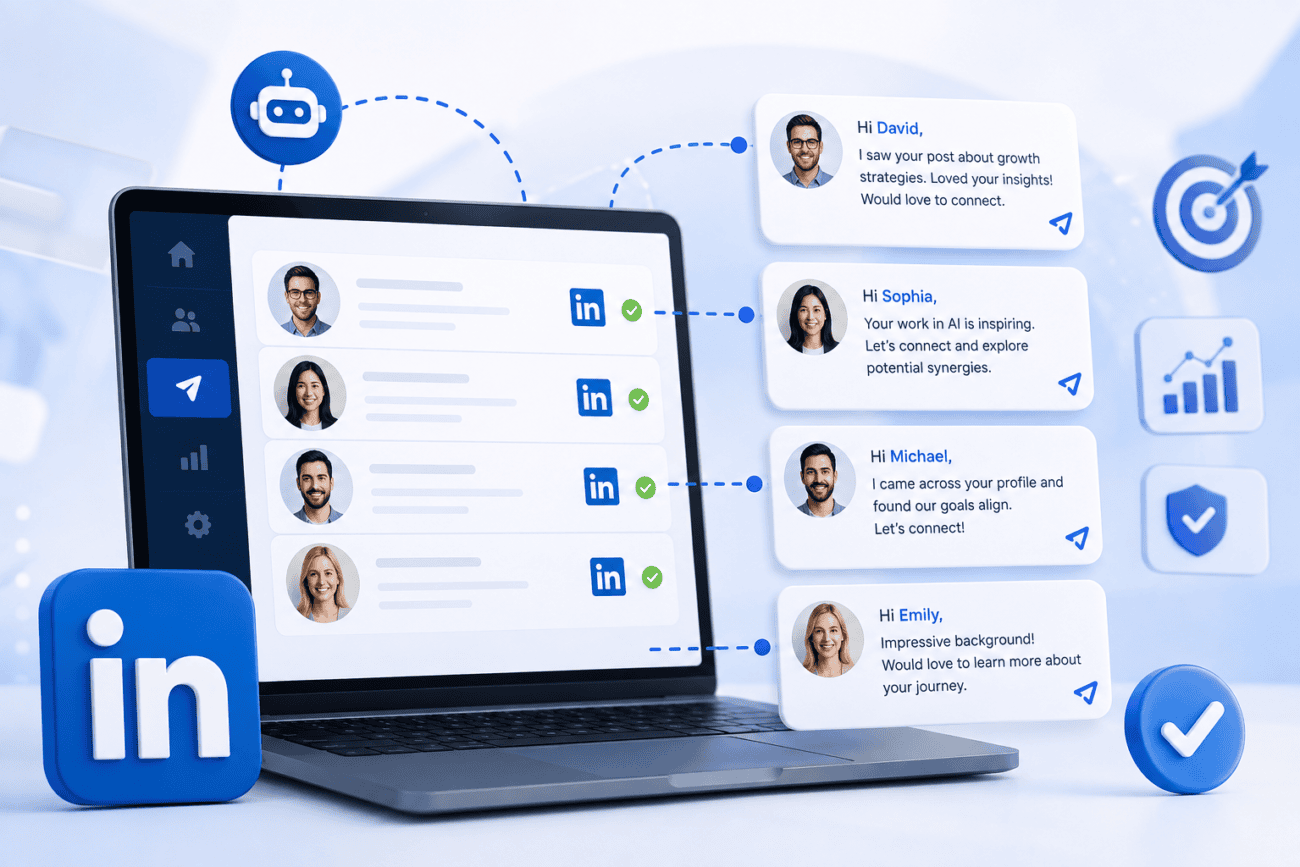
LinkedIn outreach usually begins with enthusiasm. You build a prospect list, send connection requests, or launch a messaging campaign. But then, your initial excitement takes a dip as replies don’t match your expectations. Some prospects ignore you completely, while others accept your connection request but never respond to your messages.
In most cases, the problem is that sales reps send the same generic copy-paste templates to everyone on their list.
You know, CEOs care about different things than sales managers. Recruiters have different priorities than founders. Agencies face different challenges than SaaS companies.
So why would you send everyone the same message?
You need a system that adapts the messaging to each recipient. And that’s what Dripify does. Dripify LinkedIn automation tool lets you create custom message sequences per lead at scale, ensuring every prospect gets a unique, highly personalized message.
Why Use Custom Message Sequences Per Lead?
When was the last time you responded to a message that was clearly copy-pasted?
Exactly.
Generic outreach gets generic results, or more often, no results at all.
Sending the same message to every prospect makes it harder to start meaningful conversations since most people can quickly recognize a template.
A message that works for a startup founder will fall flat with a procurement manager at an enterprise firm. Yet most sales teams still write one script and blast it to every contact on their list. Then they wonder why response rates sit at 2%.
So, first figure out who your message recipient is.
A CEO wants to know how this affects revenue, growth, or competitive position. They don’t want to sift through lengthy feature lists. A sales manager wants to know if this fills their pipeline or shortens their sales cycle. A recruiter cares about hiring speed and candidate quality, full stop. A founder is usually thinking about growth and runway, not process optimization.
Industry matters just as much.
An agency may want to generate leads for multiple clients, manage several outreach campaigns, and collaborate across teams. A SaaS company may care more about predictable pipeline growth, product demos, and customer acquisition.
When every audience receives messaging built around its own priorities, conversations start more naturally because prospects immediately see why your message matters.
Now, you’re already thinking: “I don’t have time to write a custom message for every single prospect.”
Fair point.
Writing every LinkedIn message manually becomes impossible once your outreach grows beyond a few dozen prospects each day. That’s where modern LinkedIn automation software has got your back.
A LinkedIn automation platform lets you personalize your outreach at scale without requiring you to manually write each message. You set up variables and dynamic fields once – first name, company, job title, industry – and the system fills them in automatically for each lead.
The tool will write different opening lines and calls to action depending on who’s the target recipient. A recruiter might get “want to see how we cut time-to-hire by 30%?” while a sales manager gets “want to see how this fills your pipeline in half the time?”
Same tool, same campaign structure, but completely different message.
When your message speaks directly to someone’s specific situation, they’re far more likely to respond.
Think about it from your own experience. When someone reaches out to you with something that clearly shows they understand your role, your industry, or your challenges, don’t you respond more often?
Of course you do.
As such, customized messages lead to:
- More connection acceptance
- Higher message reply rates
- Better-quality conversations
- More qualified opportunities
But remember that the follow-up is often more important than the first message. And custom messaging doesn’t stop at the initial outreach.
With the right tool, you can create different follow-up paths for different scenarios.
If someone doesn’t respond to your connection request? Send them a different follow-up than someone who accepted but didn’t reply. A prospect viewed your profile but didn’t engage? That’s a signal. You can trigger a specific, personalized follow-up for that behavior.
Each scenario requires a different follow-up. A prospect who already replied shouldn’t receive the same reminder as someone who never opened the conversation.
Segmentation is also super important, and a good LinkedIn outreach tool will help you in that area as well.
Cold prospects need warming up through education, social proof, and multiple touchpoints before they’re ready to talk.
Warm prospects already know who you are. They might have visited your website, downloaded a resource, or engaged with your content, so they require a more direct approach on next steps.
Previous customers?
They already trust you and want to know about new products, upgrades, or cross-sell opportunities. They don’t need the same pitch you give to cold prospects.
Event attendees and webinar registrants have shown specific interest in a topic. You can mention the event in your message, talk about what they learned, or follow up with relevant content.
There’s also another benefit to custom messaging that doesn’t get talked about enough: consistency.
When you’re doing everything manually, your outreach quality varies. Some days you’re on fire. Other days you’re tired, distracted, or just not feeling it, and your messages reflect that inconsistency.
With a LinkedIn automation tool that supports custom messaging, you standardize your outreach. Every prospect in a given segment gets the same quality of message with consistent personalization. Plus, the follow-up timing is consistent.
This approach also reduces human error. You no longer forget to personalize a field or end up sending the wrong messages. No more typos because you were rushing.
What LinkedIn Automation Tool to Use?
Alright, so you’re sold on the idea of custom messaging per lead. Now the question is: what tool should you use?
Not every tool that claims “automation” gives you real control over messaging.
First and foremost, you need a LinkedIn automation platform that lets you create different sequences beyond messages for different prospect groups.
You should be able to create separate sequences for executives, recruiters, sales leaders, founders, agency owners, or any other audience you target. Each workflow can include different connection requests, follow-ups, timing, and calls to action.
Second, look for conditional automation in the software you’re considering. You must be able to trigger actions based on specific events.
Did they send an accepted invitation? Trigger a welcome message. Is there no reply after three days? Send a value-add follow-up. Did you receive a message? Pause the automation and alert a human to take over. Has the campaign status changed? Adjust the sequence accordingly to avoid sending irrelevant messages.
Next, pick a solution that allows using custom variables, placeholders, dynamic fields, and personalized introductions.
Some tools now offer AI personalization too, which can adjust tone or content based on the prospect’s profile data – worth checking, though it’s not a dealbreaker if you already have strong templates.
And since you’re going to be running multiple campaigns, possibly many of them, your software should ideally have a campaign management feature. It should support multiple campaigns, tagging, filtering, and campaign cloning so you’re not rebuilding sequences from scratch every time.
Team management features are equally important.
Shared campaigns let everyone work from the same playbook while permissions ensure that only the right people can edit or delete campaigns. Plus, reporting at the team level gives you visibility into what’s working and what’s not. You can see who’s performing well and who might need coaching.
Finally, look for integrations with HubSpot, Salesforce, or whatever CRM your team already uses. It reduces manual data entry, keeps contact records updated, and makes it easier for marketing and sales teams to work from the same information.
Why Should You Consider the Dripify LinkedIn Automation Tool?
Dripify fully supports custom messages for every lead. It combines automation, smart sequences, personalization, lead management, and analytics in one LinkedIn automation platform, making it easier to build outreach campaigns that match different prospect groups instead of sending the same generic message to everyone.
Dripify is a cloud-based LinkedIn automation software that runs a multichannel LinkedIn and email drip campaigns in the background, so you’re not tied to a browser tab all day.
You get over 20 personalization variables on top of AI-powered Icebreakers to generate custom opening lines based on a prospect’s LinkedIn activity. This means every message appears personal, even when you’re sending hundreds of them at once.
Custom workflows sit at the center of Dripify. You can build a different sequence for every lead type – cold prospects, warm leads, past customers, referrals – without duplicating things across separate tools.
The sequence builder lets users create multi-step outreach campaigns with actions, conditions, and delays. You can mix connection requests, messages, profile views, endorsements, and more.
The sequences are fully customizable. You get to decide what happens at each step, when it happens, and what triggers the next action.
On the management side, you get campaign analytics that show acceptance rates, reply rates, and conversion data in one place. Lead management keeps your prospects organized by tag, status, or segment while team collaboration features let multiple reps work from shared campaigns with clear permissions.
And when it comes to integrations, Dripify works seamlessly with Make, Google, and Zapier. You can connect and sync data with the CRM you’re using and thousands of other apps.
